1
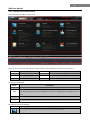
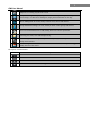
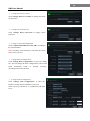
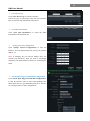
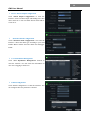
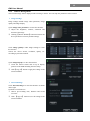
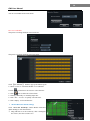
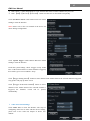
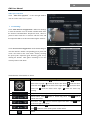
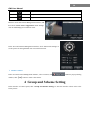
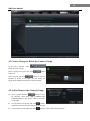
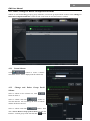
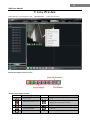
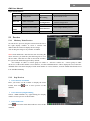
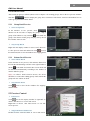
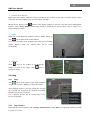
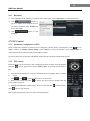
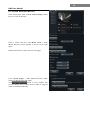
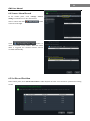
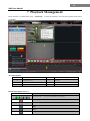
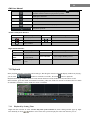
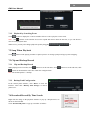
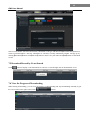
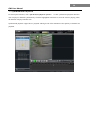
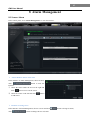
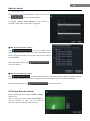
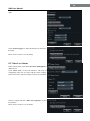
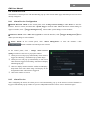
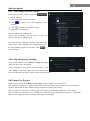
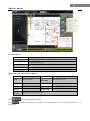
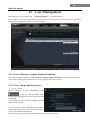
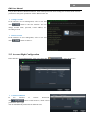
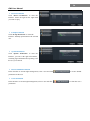
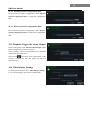
18 CMS User Manual Video Loss of System Click “Video Loss of System” to enter the right window. You can set the video loss of system. PTZ Settings Click “PTZ Protocol Configuration” under PTZ Settings to enter the interface. You can enable or disable PTZ. From the Protocol and Baud Rate drop-down menu, choose a protocol and a baud rate to associate with the PTZ, and then input the address of the PTZ connecting the software. Click “Preset Point Configuration” under PTZ Settings to enter the interface. Enable corresponding preset points and create a new name in the “New Name” field by selecting the preset point. Adjust the dome direction, speed, etc by clicking the buttons. Click【Save Position】to save the current position of the dome. The definitions of the buttons are below: Buttons Description means the dome rotate up; dome rotate up right; rotate left down; rotate left; means the dome rotate up left; means the means the dome rotate down. means the dome means the dome rotate right down; means the dome means the dome rotate right; means the dome stop rotating Drag the slider bar to adjust rotation speed of the dome Focus button. Click obtain short focus button to obtain long focus. Click Iris button. Click button to increase light of the dome. Click to decrease light of the dome Zoom button. Click click Track button to button button to zoom in the picture of this camera. button to zoom out the picture of this camera