1
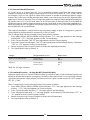
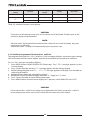
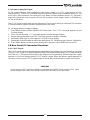
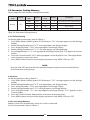
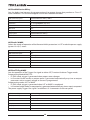
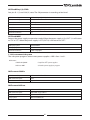
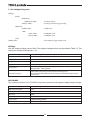
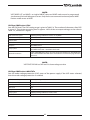
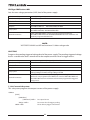
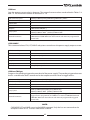
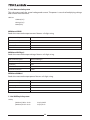
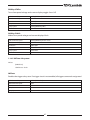
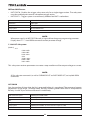
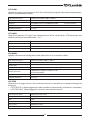
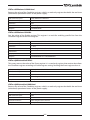
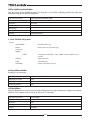
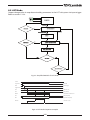
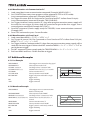
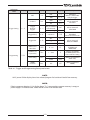
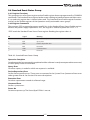
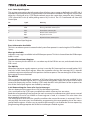
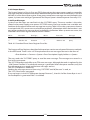
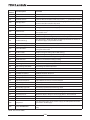
5.3.2.2 Resetting the OVP Circuit To reset the OVP circuit after activation: 1. Reduce the power supply Output Voltage setting below the OVP set level. 2. Ensure that the load and the sense wiring is connected properly. 3. Four methods to reset the OVP circuit. • Press OUT button. • AC recycle. • On/Off recycle by analog control (Interlock). • Send communication command to enable output. 5.3.3 Under Voltage Protection and Under Voltage Limit The UVP function prevents power supply operation if output voltage is below UVP set value. Upon detection of an Under Voltage condition, the power supply output will shut down. The UVL prevents adjustment of the output voltage below a certain limit. The combination of UVP/ UVL and OVP functions, allows the user to create a protection window for sensitive load circuitry. 5.3.3.1 Setting the UVP/UVL Mode and Level The UVP/UVL can be set when the power supply output is Enabled (On) or Disabled (Off ). UVL and UVP setting values are limited at the maximum level to approximately 5% below the Output Voltage setting. Attempting to adjust the value above this limit will result in no response to the adjustment attempt. The minimum value setting is zero. 1. Press PROT button. PROT (GREEN) LED illuminates. Current display shows "“ message. 2. Press Current Encoder. Voltage Display shows ““ or ““ message, Current display shows setting level. 3. Rotate the Voltage Encoder to set ““ or ““. 4. Rotate the Current Encoder to adjust the level. 5. Press PROT button twice or wait 15 sec. to return display to its previous state and then PREV LED turns OFF. 5.3.3.2 Activated UVP Alarm When the UVP is activated the power supply output shuts down. The Voltage and Current display shows “” and the ALARM RED LED blinks. 5.3.4 Foldback Protection Foldback protection will shut down the power supply output if power supply operation mode crosses over from CC to CV or from CV to CC, according to selected operation mode. There are three states of foldback protection. OFF (default), CV, CC. 50