1
Photo Albums on the Internet (Catalog)
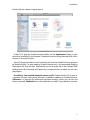
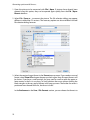
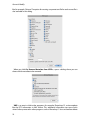
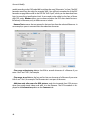
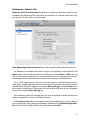
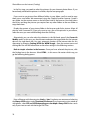
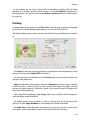
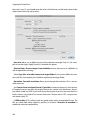
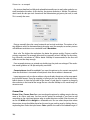
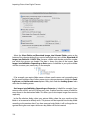
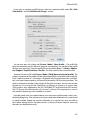
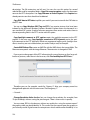
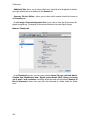
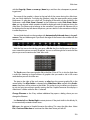
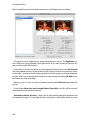
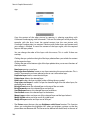
Cellspacing allows you to define a value for the spacing between images or text and
the table cell lines.
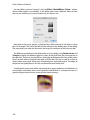
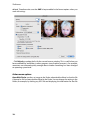
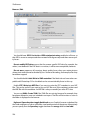
You should enable Merge Profile into Thumbnail if you want to show images with
profiles in a Web catalog since this includes the profile in the image. The image will then
no longer contain, for example, the information that it needs to be displayed with the
sRGB profile. Instead the colors are already corrected.
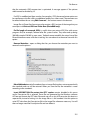
Since the large versions of the images are intended for downloading, you should only
enable the Merge Profile into Image option if the large versions are intended for viewing on the Internet. For downloadable images, it is worthwhile keeping the profile information and not merging the profile because image files can then be further processed by
a development service best in this way.
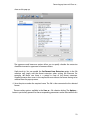
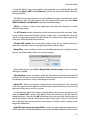
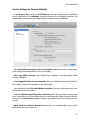
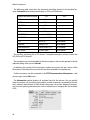
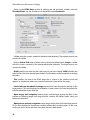
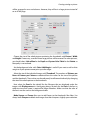
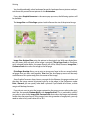
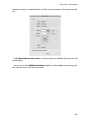
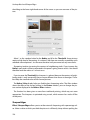
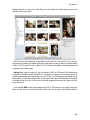
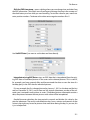
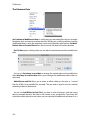
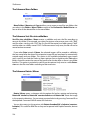
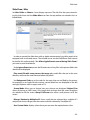
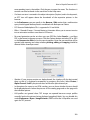
Set the size of the preview pictures and the linked images in the left hand section with
Width and Height. All landscape format preview pictures are calculated with the set
width, for example, 150 pixels. The height value is not taken into account as it specifies
the height of the portrait pictures. All portrait-format images are scaled to this height. We
therefore recommend to always select the same sized values. The pictures will not be the
same size when the values are different.
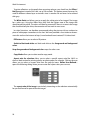
The Relative Width allows you to specify a percentage for the width that the linked picture should be scaled to by the browser. 100% will scale it to the width of the browser
window. The file size remains the same. Select Absolute Width to display the linked
images in their actual size. Large pictures may, however, be larger than the visible area of
the browser window.
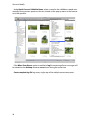
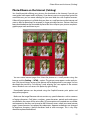
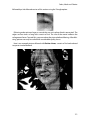
First find out how large the preview pictures should be with a few test files. You should
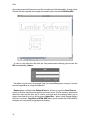
be able to see what is in the picture. Simply drag the created HTML file to your Web
browser for an idea of how it will look on the Internet.
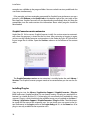
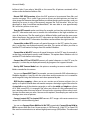
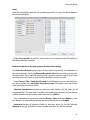
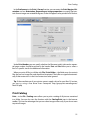
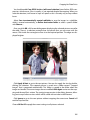
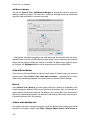
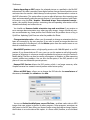
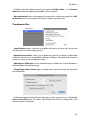
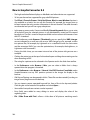
The font Color should be selected so that it is visible on the background. A black font is
not visible on a black background.
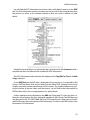
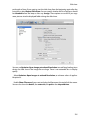
Display Name can be disabled. In this case, just the picture itself is a link. In addition,
you can select whether the extension, path, IPTC caption, dimensions and file size
should be outputted. Display text below or above image allows you to specify where
the text should appear. Select Replace Underscore with Space if you want spaces to
appear instead of underscores in the displayed filenames. The underscores will remain in
the filenames of the picture files. Only the HTML code will use the spaces.
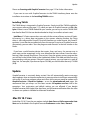
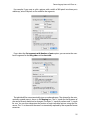
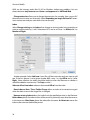
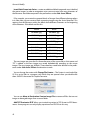
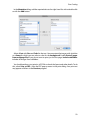
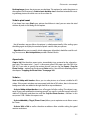
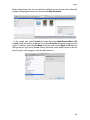
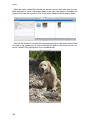
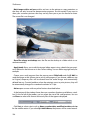
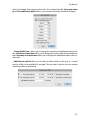
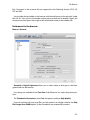
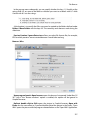
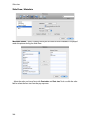
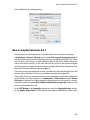
Background Image allows you to set a background image for the Web page you create. Click Select... to select an image as the background image.
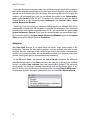
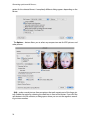
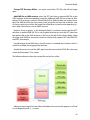
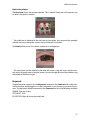
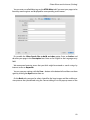
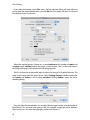
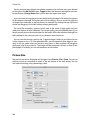
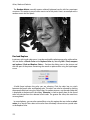
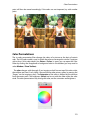
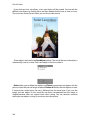
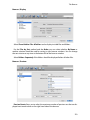
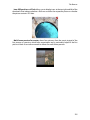
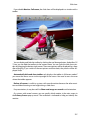
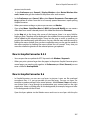
Specify whether pictures should be displayed like framed slides in a square that is
always the same size with Make Square on the right-hand side of the dialog. The color
can be selected for these “slide frames”. Click the color sample to change the color.
78