1
Zoom
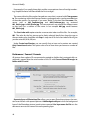
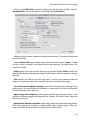
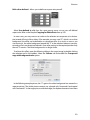
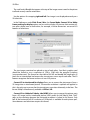
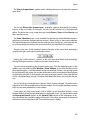
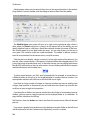
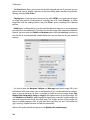
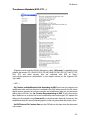
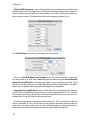
The View as Proportional... option opens a dialog where you can enter the required
zoom level.
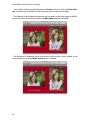
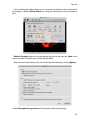
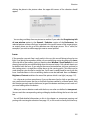
You can use View as Non Proportional... to display a picture distorted by just changing one of the two values, for example. You can use this function to try out distortion
effects. The distortion is only saved when you select Picture / Size and then Burn In and
then save the picture.
The Zoom Selection option is only available if a selection has been defined and zooms
the picture so that the displayed picture section is about as big as the current selection.
The top left-hand part is displayed, not the selection area. If necessary, scroll with the sliders or move the picture section with the mouse while you hold down the spacebar.
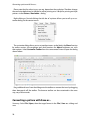
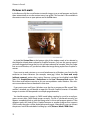
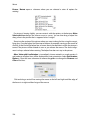
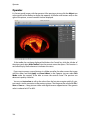
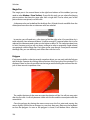
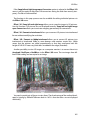
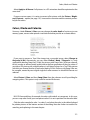
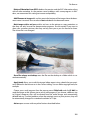
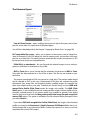
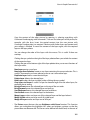
There are two icons in the window frame to the right of the zoom level, depicting a
magnification glass with a plus respectively a minus.
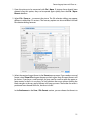
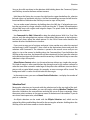
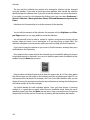
Clicking the small mountains switches to the next zoom level down and, accordingly,
clicking the large mountains switches to the next zoom level up.
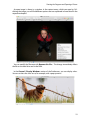
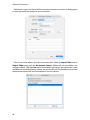
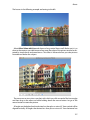
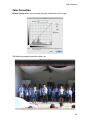
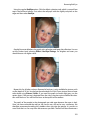
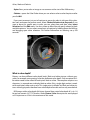
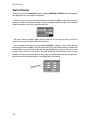
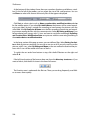
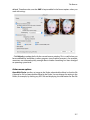
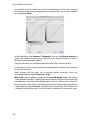
You can use the magnifying glass to zoom in two ways. Click the magnifying glass in the
toolbox (you may need to select Window / Show Toolbox). If you click the picture with
the magnifying glass, it will be zoomed to the next level up. If there is not enough space
for the picture on the screen, the section of the picture that you clicked will be displayed
as centered as possible. If, for example, you want to enlarge a person’s face, click the face
until it is displayed large enough. To reduce, hold down the Option key and click the picture.
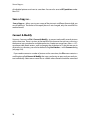
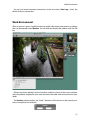
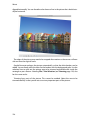
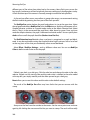
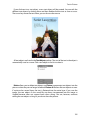
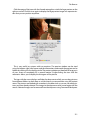
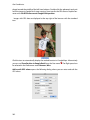
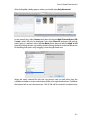
You can also drag a rectangle across the area, which is to be enlarged. The zoom level is
selected so that the rectangle content fills the window. The rectangle therefore automatically has the same proportions as the window.
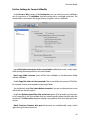
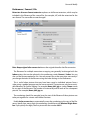
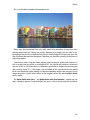
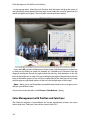
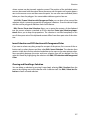
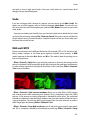
If you select very high zoom levels such as 1000% to edit individual pictures, it may
become difficult to see the individual pixels in single-color areas. You can therefore select
the Show pixel bounds options in the General / Edit section of the Preferences to display a thin black line around the edges of the pixels. These lines are not part of the picture
and are not saved in the picture file. The maximum zoom is 5000%.
169