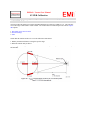
1
EMiSoft - Vasona User Manual
FAQ
[EMiSoft Web Site] [Contents] [Index] [Glossary]
[<< prev] [next >>]
6.4 Frequently Asked Questions
The following page covers, frequently asked questions which have been received, we feel that similar questions
will require answering by other engineers and users.
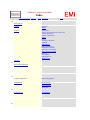
Question Answer
Subject Area : Frequency Range
How do I
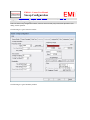
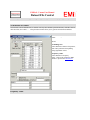
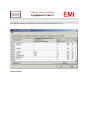
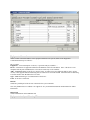
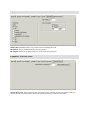
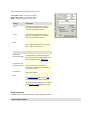
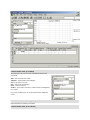
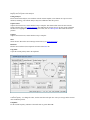
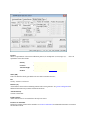
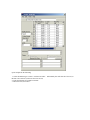
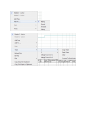
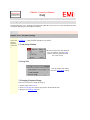
Simply load the sweep/setup up window, select sweep details and then enter the start/stop
set the start frequencies. A more detailed explanation is as follows:and stop
frequency
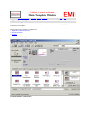
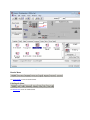
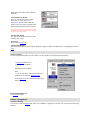
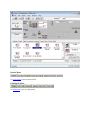
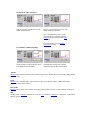
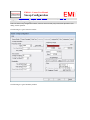
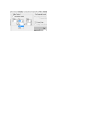
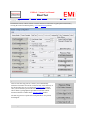
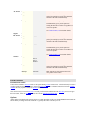
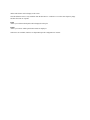
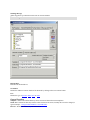
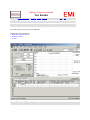
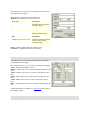
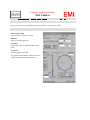
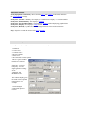
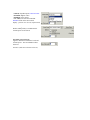
1. Load Sweep Window
of the scan
?
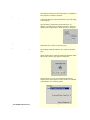
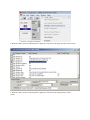
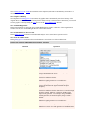
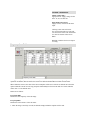
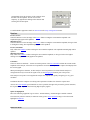
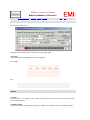
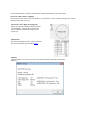
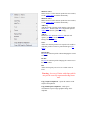
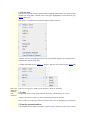
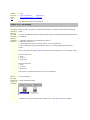
This can be achieved in many different
ways, for example, from the results
window, under the pull down menu
test, select 'Set Up'
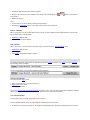
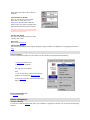
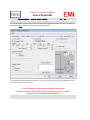
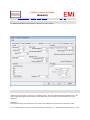
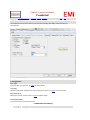
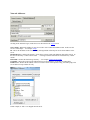
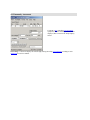
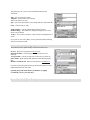
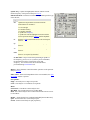
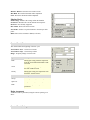
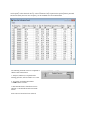
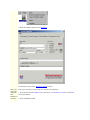
2. Sweep Tab
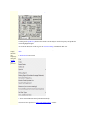
Once the window has loaded
select the sweep details TAB [if
required]
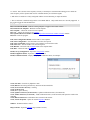
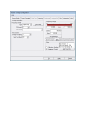
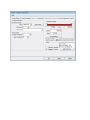
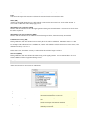
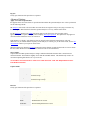
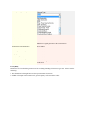
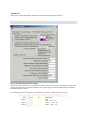
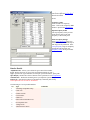
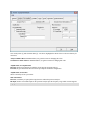
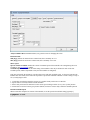
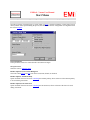
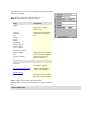
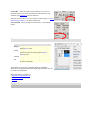
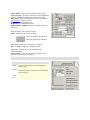
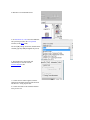
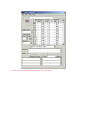
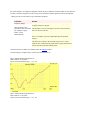
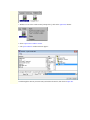
3. Changing Frequency Range.
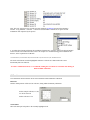
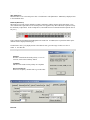
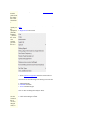
There are several way to change the range, ie
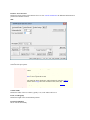
a. Edit the value in the text box.
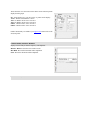
b. Select set full range, this sets the range back to the maximum value.
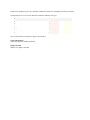
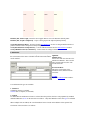
c. Drag the red frequency range bar.