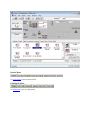
1
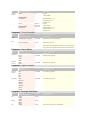
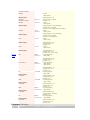
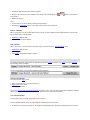
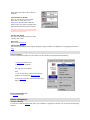
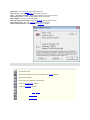
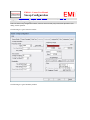
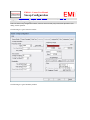
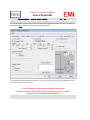
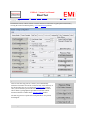
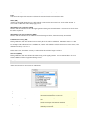
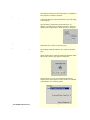
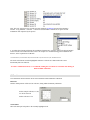
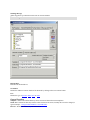
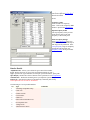
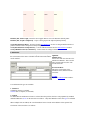
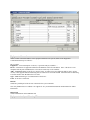
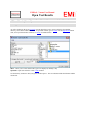
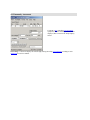
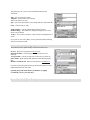
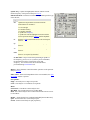
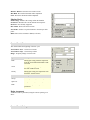
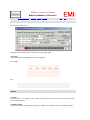
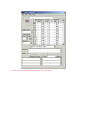
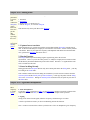
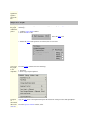
1. Left mouse button click on the element required.
2. Drag it to the correct part of the template. [the mouse icon will change from
been found] !
3. Release the mouse.
to
when a valid area has
Note:1. Average limit is the lower display on the spectrum analyser.
2. Performing a right mouse button - 'selection' will also often select the option.
Remove a DataSet
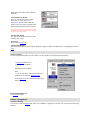
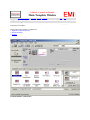
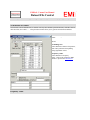
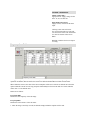
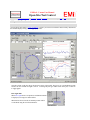
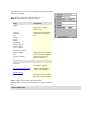
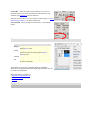
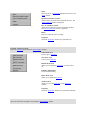
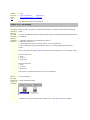
Move your mouse over the element which needs removal, it will be displayed in the "Menu Details" section at the
top left hand corner of the Window.
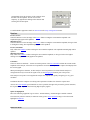
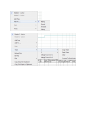
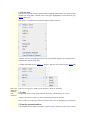
1. Right Mouse Button Click
2. Select "Remove From Template".
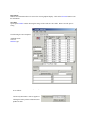
Edit a DataSet
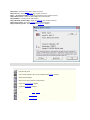
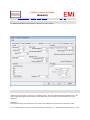
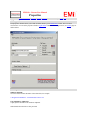
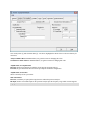
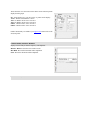
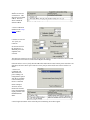
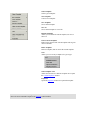
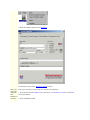
Move your mouse over the element you want to edit, you need to be in the edit/view details menu.
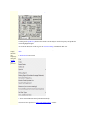
1. Right Mouse Button Click
2. Select 'Edit File'.
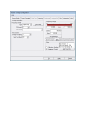
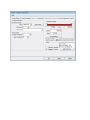
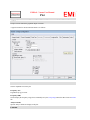
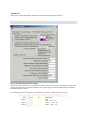
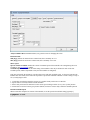
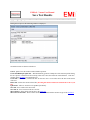
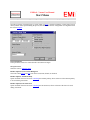
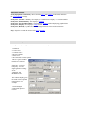
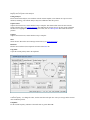
3. The DataSet manipulation window appears.
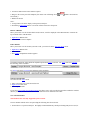
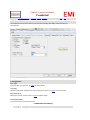
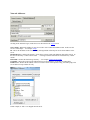
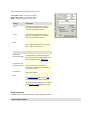
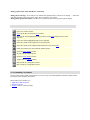
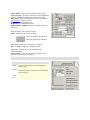
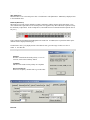
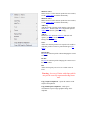
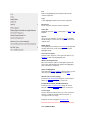
Address/Control Bar
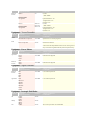
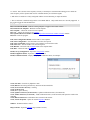
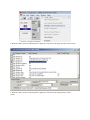
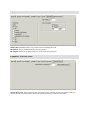
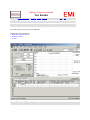
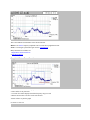
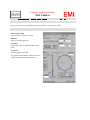
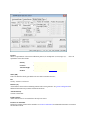
The address/control bar will be different dependent upon which menu is selected. For menus related to templates,
the following will be available:-
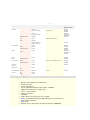
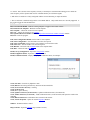
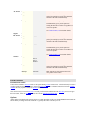
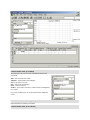
For menus relevant to test results the following will be available:-
Misc Items
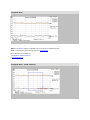
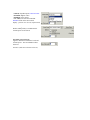
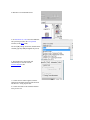
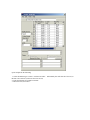
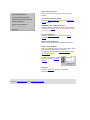
Select Previous Results
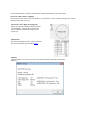
Go to the relevant results menu.
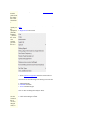
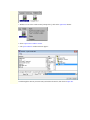
1. Move your mouse over a relevant results icon.
2. Right mouse button click
3. Select "Open Results"
If you select 'open results from another location' this allows you to select results from anywhere within the windows
directory structure, ie from a remote PC or when results have been attached on an email.
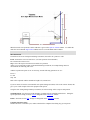
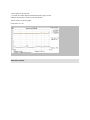
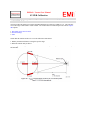
Two Antenna Method
This method is not currently supported by this revision.
The two antenna method can be used providing the following have been selected.
1. Second device is a spectrum analyser. We highly recommend that only similar performing analysers are used, ie