1
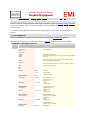
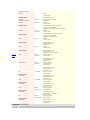
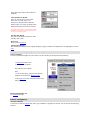
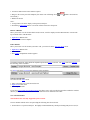
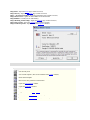
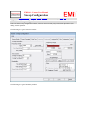
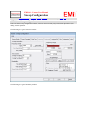
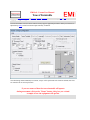
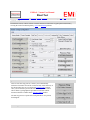
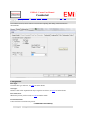
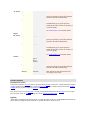
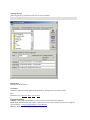
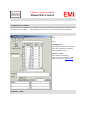
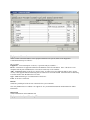
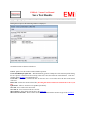
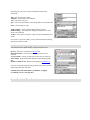
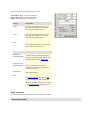
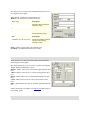
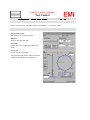
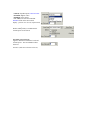
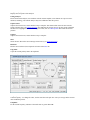
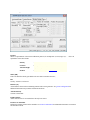
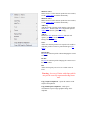
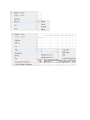
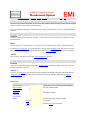
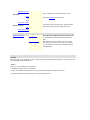
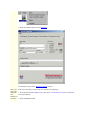
Warning Message
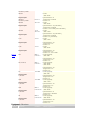
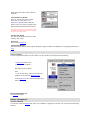
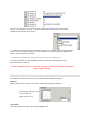
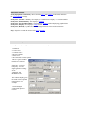
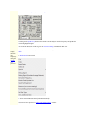
Allows the setting of a warning message prior to Vasona operating
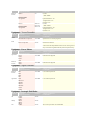
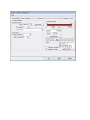
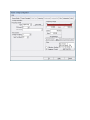
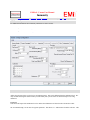
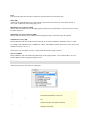
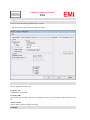
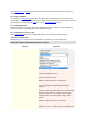
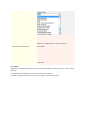
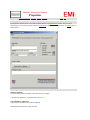
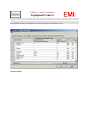
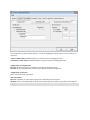
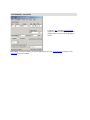
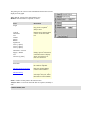
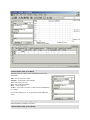
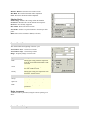
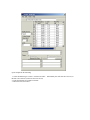
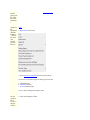
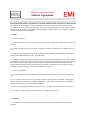
Vasona Properties
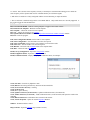
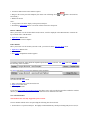
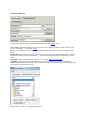
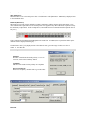
Refresh Drive
Refreshes the attached drives.
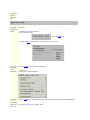
Set Address
Defines the Address/Location which will be allocated by clicking on the 'Set Location' button.
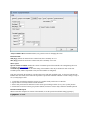
User
Defines the type of operator, admin, user or demo.
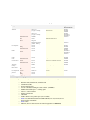
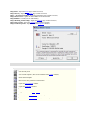
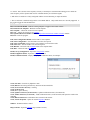
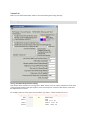
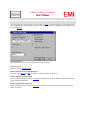
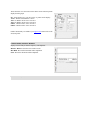
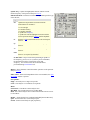
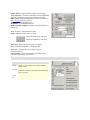
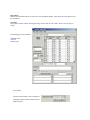
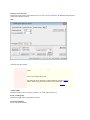
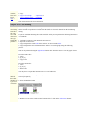
General Location
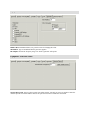
Template - Defines the location/directory where Vasona will obtain the current templates.
Work Area - Defines the directory structure where results will be stored, currently this can not be changed, a
typical example:- c:\Program Files\EMiSoft - Vasona\Results\
Browser - Defines the address of your web browser.