1
Trial Depreciation
Forecasting
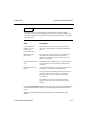
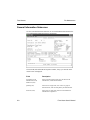
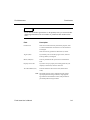
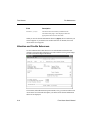
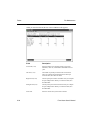
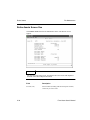
Field
Description
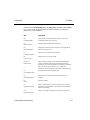
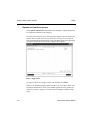
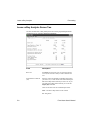
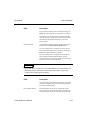
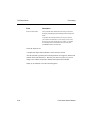
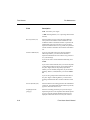
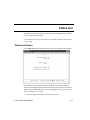
Print Year From/Thru
The system fills these fields based on what you entered in
the Depreciation Begin Period and Depreciation End Period
fields.
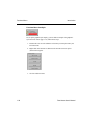
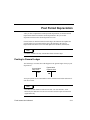
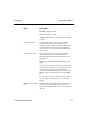
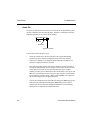
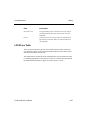
To produce the Trial Depreciation for one year, enter the
year at both From and Thru. To list a range of years, enter
the first year at From and the last year at Thru. To produce
the Trial Depreciation Schedule for the life of the asset,
press Enter at both From and Thru.
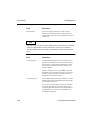
Select the output device.
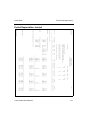
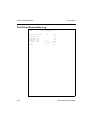
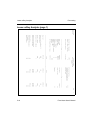
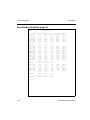
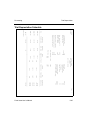
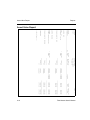
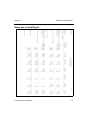
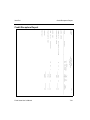
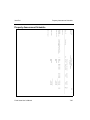
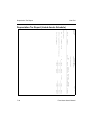
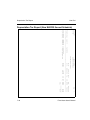
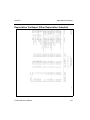
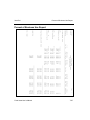
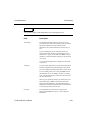
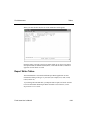
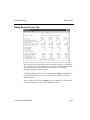
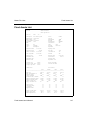
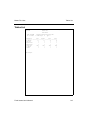
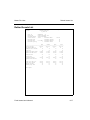
A sample Trial Depreciation Schedule is at the end of this section.
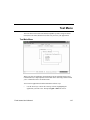
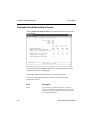
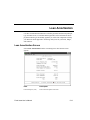
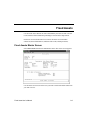
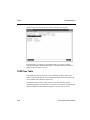
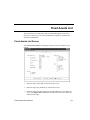
After the schedule is generated, the Trial Depreciation screen appears, and the Trial
Number field is incremented by 1. Because your entries are preserved, you can
change a few numbers and produce another Trial Depreciation Schedule.
When you are finished, exit to the Forecasting menu.
5-24
Fixed Asset User’s Manual