1
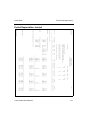
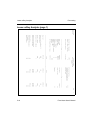
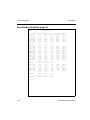
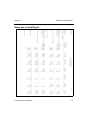
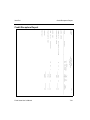
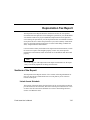
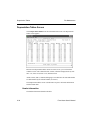
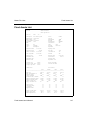
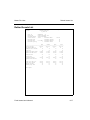
Credit Summary Report
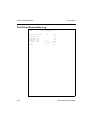
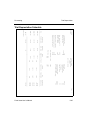
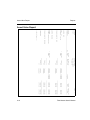
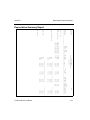
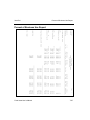
The Credit Summary Report shows the base costs, depreciation methods, 179
expenses and adjusted base costs, applied credit amounts, and percentages of
adjusted base costs for all columns. Use this report as a resource when filling out
IRS form 3468, “Computation of Investment Credit.”
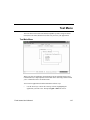
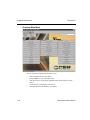
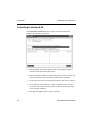
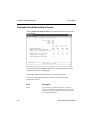
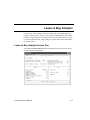
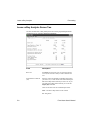
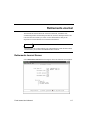
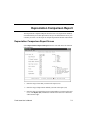
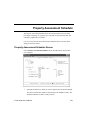
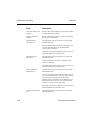
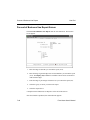
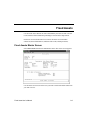
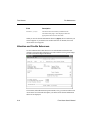
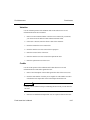
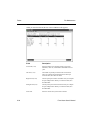
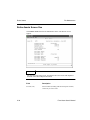
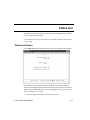
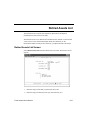
Credit Summary Report Screen
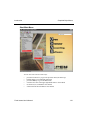
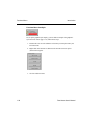
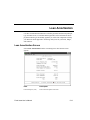
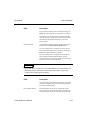
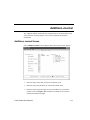
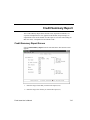
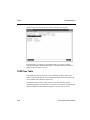
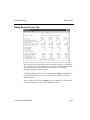
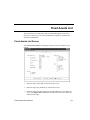
Select Credit Summary Report from the Year-End menu. The function screen
appears.
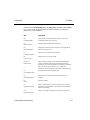
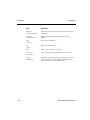
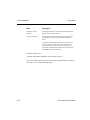
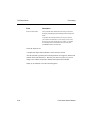
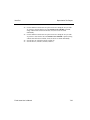
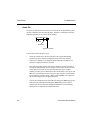
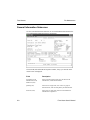
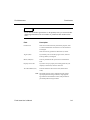
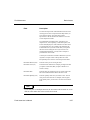
1. Enter the range of asset IDs you want in the report (A14).
2. Enter the range of tax classes you want in the report (A1).
Fixed Asset User’s Manual
7-15