1
Fixed Assets
File Maintenance
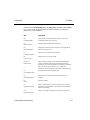
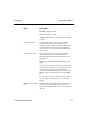
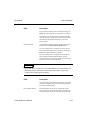
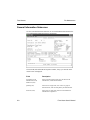
Field
Description
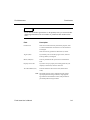
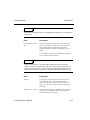
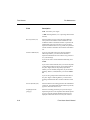
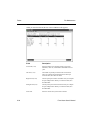
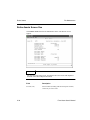
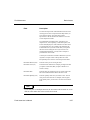
Location 1, 2, 3 (15)
The three asset location names you defined in the
LOCATxxx table page 3-23 are displayed. Enter the
appropriate asset location for each field.
When you save the General Information subscreen (PgDn), the next subscreen you
selected appears. If you did not select another subscreen to maintain, the Fixed
Assets master screen appears.
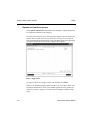
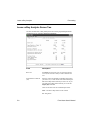
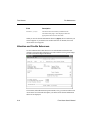
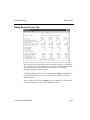
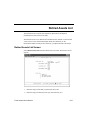
Valuation and Credits Subscreen
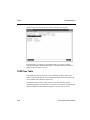
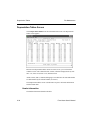
Use the Valuation and Credits subscreen to record information about the asset
insurance and credits taken against the asset and to link the asset to general ledger
accounts (if General Ledger is interfaced).
The asset ID (with suffix ID and sequence number, if any) you entered on the Fixed
Assets master screen and the description you entered on the General Information
subscreen are displayed.
8-14
Fixed Asset User’s Manual