1
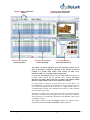
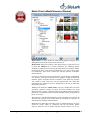
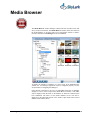
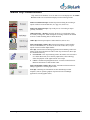
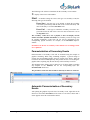
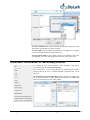
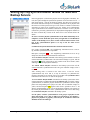
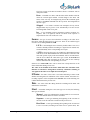
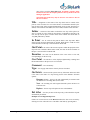
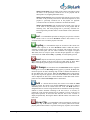
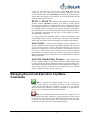
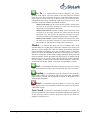
Media Clip Classification Clips stored in the database of an SL NEO server and displayed in the Media Browser window are classified and displayed in the following manner: Full-screen audiovisual clips: finished clips formed during the recording or import of full-screen media data files (avi, mpg, mov, and so on). Full-screen audiovisual clips: clips in the process of recording or import (partially concluded). Audiovisual clips – edit lists: formed by the News CUT application. These are actually montage lists: XML descriptions of montage solutions formulated in News Cut and containing links to initial materials. Audio clips: formed upon import of audio data files (such as wav). Static and dynamic graphics clips: formed upon import of static graphics files (TGA/PNG/BMP, etc., 24/32 bit) or the results of those files, or upon import of avi/mov with an alpha channel. Live clips: formed in the Air Manager application and containing a link to the address of the stream broadcast or links to other clips. In their turn, these clips are classified in this way: Local Stream: a live clip containing a link to the address of a local source of a media data stream (server memory input buffer). This technology allows the playback of the signal from the server input Clock: a combined clip designated to show TV clocks formed in the Air Manager application’s in-built graphic editor Static and dynamic graphics clips: graphic compositions formed in the Air Manager application’s in-built graphic editor. Text clips: containing text information for titles and linking to format templates (static or dynamic graphics clips formed in the Air Manager application’s in-built graphic editor). Air Manager Client Software. User Manual. © 2009-2011 Skylark Technology, Inc. 21