1
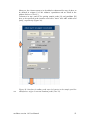
Save settings and calculation results for later usage
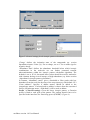
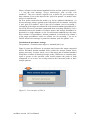
Once the parameters in the workflow interfaces are chosen and input data sets defined
and loaded, the workflow can be saved and reused when being reopened.
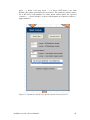
Mind that the ‘Start workflow’ button of ‘Tool 1: Data upload’ DOES NOT
REMOVE the parameters typed into the textboxes of the user interface. However, it
DOES REMOVE (1) the sample and blind data sets in the spreadsheets ‘sample’ and
‘blank’ and (2) the results in the spreadsheets ‘samples_filtered’ and ‘non-targets’ and
(3) all graphs pasted into the workflow.
enviMass version 1.0 User Manual
10