1
IV-Client Guide
Initial Large Backup to Local USB Disk
When running a large backup for the first time, you may find it advantageous to first run your initial
large backup to local USB storage and then ship the drive via courier to your offsite server’s
administrator for him/her to import. This will avoid bandwidth bottlenecks or having to span a large
initial backup over multiple days. (see Spanning a Large Initial Backup)
After completing the first time large initial backup to local storage, you’ll be free to continue running
backups directly to the offsite server even if the administrator has not yet imported your data in.
1)
2)
3)
4)
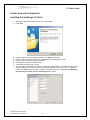
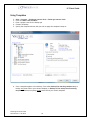
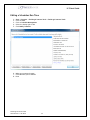
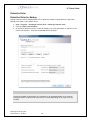
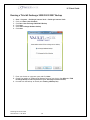
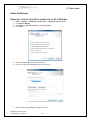
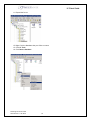
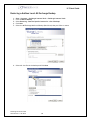
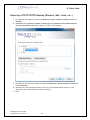
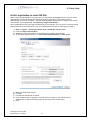
Start > Programs > VaultLogix Internet Vault > VaultLogix Internet Vault
Click on Create a New Schedule
Choose any file(s) and folder(s) to be backed up throughout your network
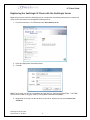
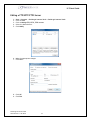
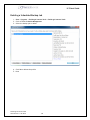
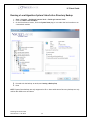
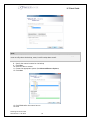
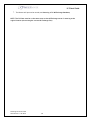
At the server selection screen, Click Use initial exported backup for later import
5)
6)
7)
8)
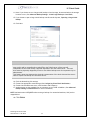
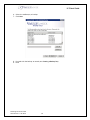
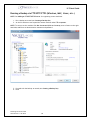
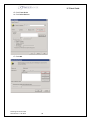
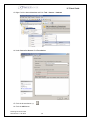
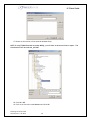
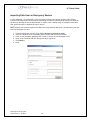
Browse to the backup location
Click OK
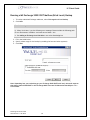
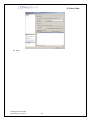
Proceed with the backup as normal
Once the backup job is complete, send the drive via courier to your offsite server’s
administrator so that he/she may import it directly into the offsite server
9) Done
VaultLogix IV-Client Guide
Generated on: 1/22/2010
67