1
How to know the adress?
Simply use the correct option in your assembler to generate the ”listing” file
which contains the equates between labels and adress (-T option with spasm).
Then look for the ”DrawGbuf” label into the file (with spasm the file use the
”.lst” extension).
I found the adress 9e4f (hexadecimal of course).
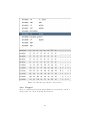
1 tib@cobra :~/ Code / z80 / project5$ cat project . lst | grep drawGbuf
2 71 9 dce : CD 4 F 9 E call drawGbuf
3 94 9 e4f : - - - - drawGbuf :
:
As you can see, a label does not take place into the final binary, it’s only a name
for an adress only for human.
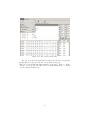
Now you have the adress, simply run TilEm2, launch debugger, then open
the breakpoint dialog :
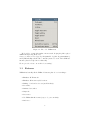
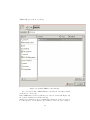
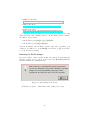
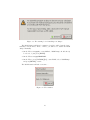
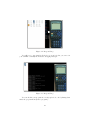
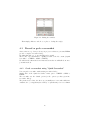
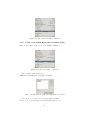
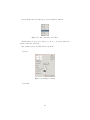
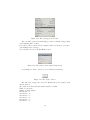
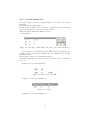
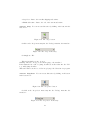
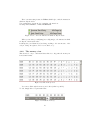
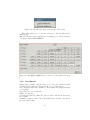
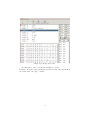
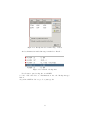
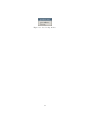
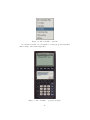
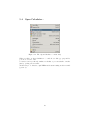
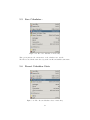
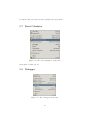
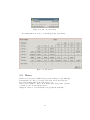
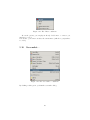
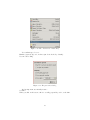
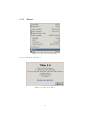
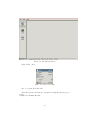
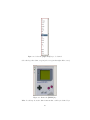
In the menu bar, click on ”Debug” and click on ”Breakpoints” :
Figure 4.66: The ”Breakpoints” menu entry in the menu bar
Or simply press CTRL+B.
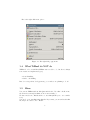
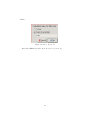
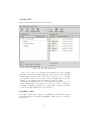
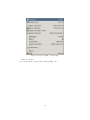
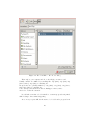
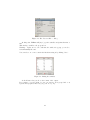
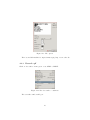
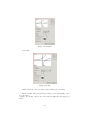
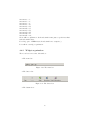
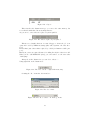
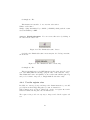
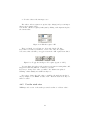
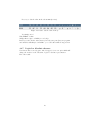
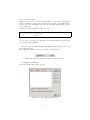
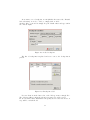
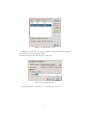
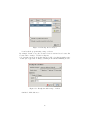
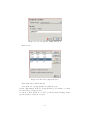
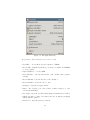
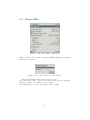
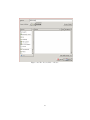
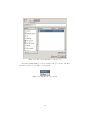
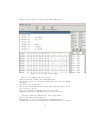
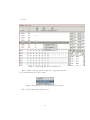
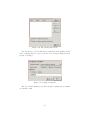
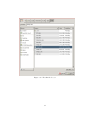
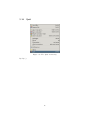
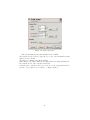
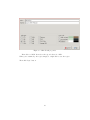
Then the ”Breakpoints” dialog appears :
Figure 4.67: The ”Breakpoints” menu
51