1
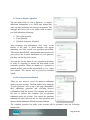
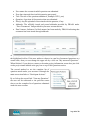
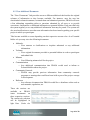
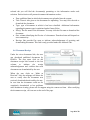
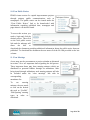
User name: the account in which question was submitted Post date: time and date in which question was posted Title: The title of the questions submitted ( Example: RFI 1_test) Question: A preview of the question that was submitted. File(s): Any file uploaded or associated with the question, if any. Addenda: The officially issued and posted addenda provided by PRASA under “View Documents” link provided in your user account actions. Final Answer: Indicates if a final answer has been made by PRASA indicating that an answer has been issued through addenda. As you may have noticed, the information presented above is under the username questions tab highlighted in blue. If the user wishes to observe its own list of answered questions at a certain time, then you can change the upper tab by a click on “My answered Questions”. When finished, if you desire to return to the main project information screen then just click on the project name labeled at the grey bar on top of the Questions section. The second method to see the complete list of questions made under your account is through the main user action links or “Participant Actions”. By a click on the second link “View my Questions” the user will be redirected to the previous screen shot to see the complete list of questions submitted under the user account. Page 18 of 23