1
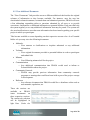
10. View Public Notices
PRASA issues notices for capital improvements projects
through primary public communications such as
newspapers. The public notice can be viewed under the
“View Public Notice” link to be downloaded with
information regarding published date, newspaper and
page where it can also be found.
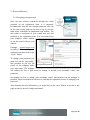
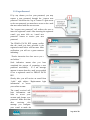
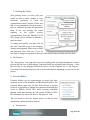
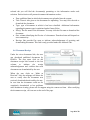
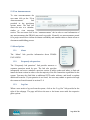
To access this section, you
need to login and click the
desired project. Then click
on the view public notice
link and the webpage will
direct
the
user
to
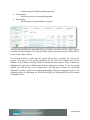
download the document providing additional information about the public notice that was
published. To download the document the user must click the file link provided at the last
column.
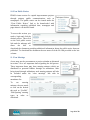
11. View Meetings
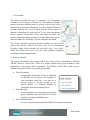
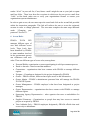
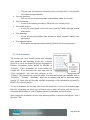
A user may use the procurement or project calendar as discussed
in section 3.4 to see important dates regarding the bid process.
These important dates may have meeting minutes which are
distributed to potential bidders through an addendum. After
being issued through addendum, such meeting minutes will also
be included under the “view meetings” link with its
corresponding
attendance list.
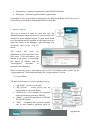
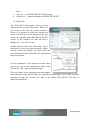
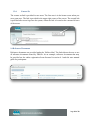
To
see
meeting
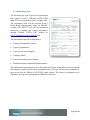
minutes, the user needs
to click on the desired
tab such as “Pre-Bid”,
“Bid Opening” meeting
types in order to
download.
Page 21 of 23