1
•
•
Basic Operation
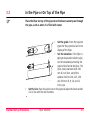
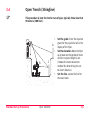
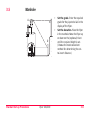
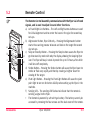
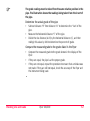
Set the grade. Enter the required grade in the Piper using the UP and
DOWN arrows or enter large grade changes by first pressing the STAR
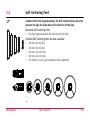
button, then entering grade by individual digit. The Piper can self-level over
its entire grade range. Som it is not necessary to tip the laser to achieve
grade.
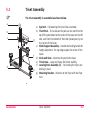
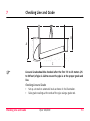
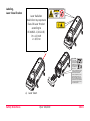
Set the elevation. Loosen the handle on the mounting bracket. Slide the
bracket and laser up or down until the desired elevation is achieved. The
slide bracket is made of a special material to ensure smooth movement.
Tighten the handle to lock the elevation in place.
Piper 100/200
2-16