1
CASSi User’s Manual
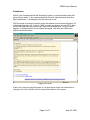
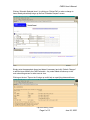
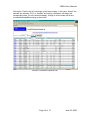
CASSi will then automatically review the scheduling “rules” such as currency, BFR,
medical dates, double booking of aircraft, etc. Once complete, the schedule will either
be accepted or rejected with an explanation of the rule that did not pass. Some rules,
such as accidental double booking can be fixed by returning to the schedule display and
changing the date and/or time. Other rules such as an expired currency date may
require a flight review or a call to the front desk to resolve.
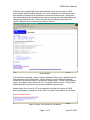
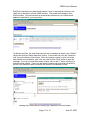
New Schedule
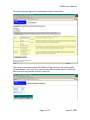
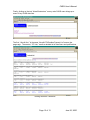
If the schedule is accepted, clicking “View this Schedule” allows you to double-check the
times and dates for the reservation. Clicking “Return to Previous Schedule Display”
reviews the new schedule items in the previous display format. Clicking “New Schedule
Inquiry” goes back to the main aircraft, CFI, and goody selection screen. Clicking “Add
another schedule” goes back to the previous schedule request screen.
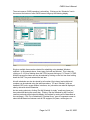
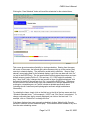
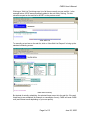
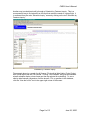
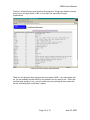
Another option if an aircraft or CFI is not available is the Wait List feature of CASSi,
which is accessed by clicking one of the “Wait List” options at the bottom on the screen.
Menu of Option if an Aircraft is not Available
Page 7 of 13
June 25, 2000