1
6 - Maintenance
2
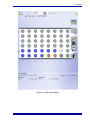
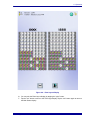
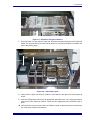
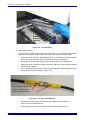
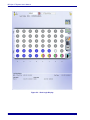
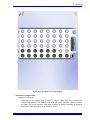
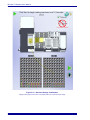
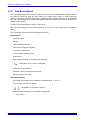
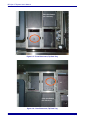
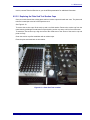
Trough Setup: Place the empty extraction reagent trough in its station. Add 100 mL of
deionized water (room temperature) to the wash trough, located in the fourth position
from the left, or second from the right.
3
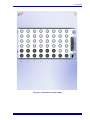
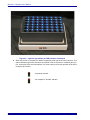
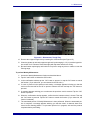
Pipette Tip Setup: Make sure all pipette tip stations are populated with full boxes of
tips. If necessary, use the Configuration/Maintenance > Tools > Manage Consumables
> Reset Tip Counters function to manually reset all counters to full after manually
replacing all tip boxes with full ones (see Section 6.2.4.3).
4
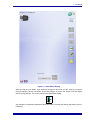
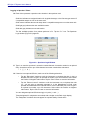
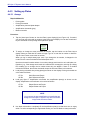
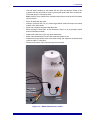
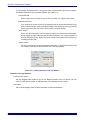
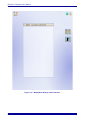
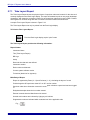
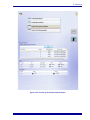
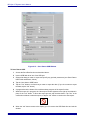
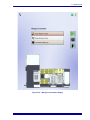
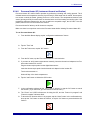
Start the Volume QC procedure as described above (“To Access Volume QC”).
5
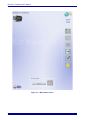
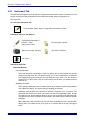
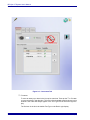
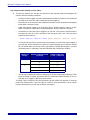
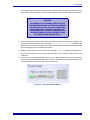
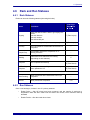
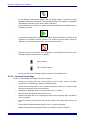
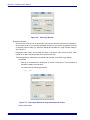
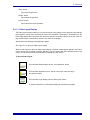
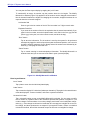
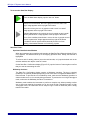
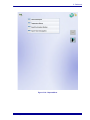
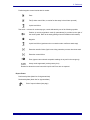
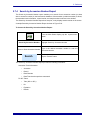
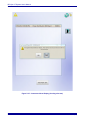
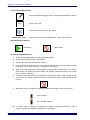
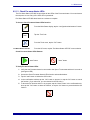
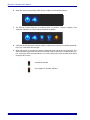
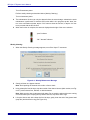
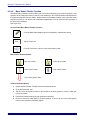
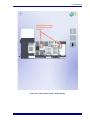
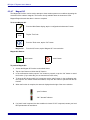
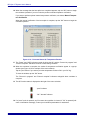
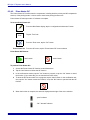
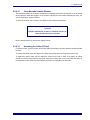
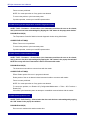
When the instrument is done pipetting fluid, the status is displayed at the right of the
menu selection.
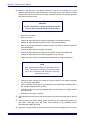
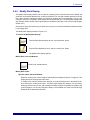
“pass” / “completed” indicator
“fail”/ “aborted” indicator
500005363(02)
6
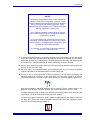
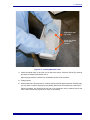
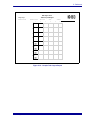
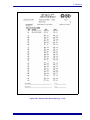
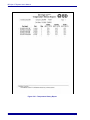
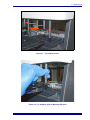
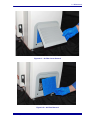
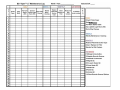
Carefully remove each capped specimen tube from the instrument and reweigh them.
Reweigh the individual tubes within 30 minutes of dispensing. Record the final weights
on the Log as described above.
7
Subtract the initial weight from the final weight for each tube.
8
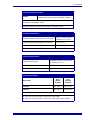
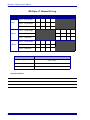
Evaluate Pass/Fail based on the specifications on the Log.
•
If any column value falls outside specifications, the entire test must be repeated.
•
Repeat the test using new, weighed tubes.
•
If the Volume QC procedure fails the re-test, contact BD for service.
6–47