1
Configuration
General Configuration
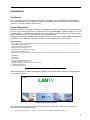
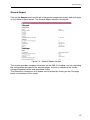
Initial program screen
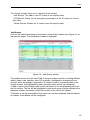
The first screen that appears
when the programme is
accessed contains the "Output"
window, which gives information
on the IP streams that have
been created on the module and
which may or may not be
incorporated into the output data
stream.
On the left of this screen are the
menus that access all of the
programme's functionalities.
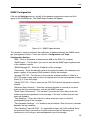
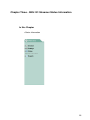
Figure 1.1 - Initial programme screen
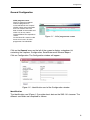
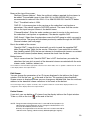
Click on the General menu on the left of the screen to display a dropdown list
containing the 3 options: Configuration, Save/Restore and General Report.
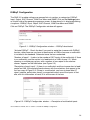
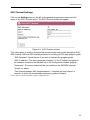
Click on Configuration. The Configuration window will appear :
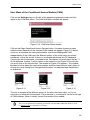
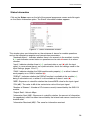
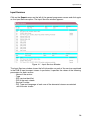
Figure 1.2 - Identification card of the Configuration window.
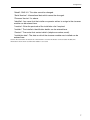
Identification
The identification card (Figure 1.2) provides basic data on the SNS-101 streamer. The
different card fields are completed as follows:
6