1
Installing and Configuring on Windows Environments
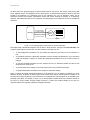
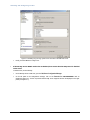
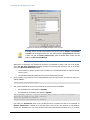
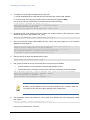
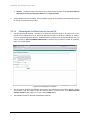
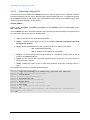
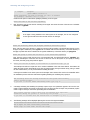
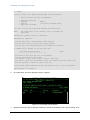
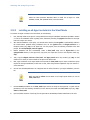
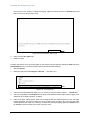
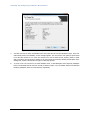
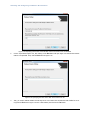
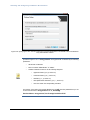
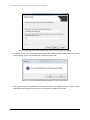
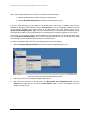
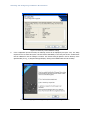
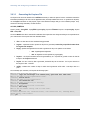
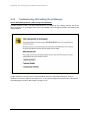
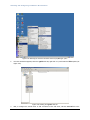
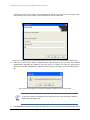
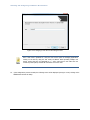
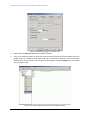
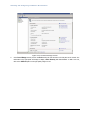
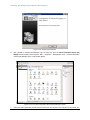
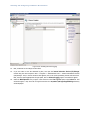
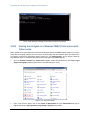
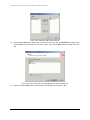
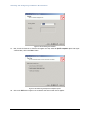
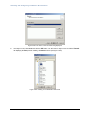
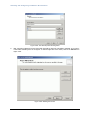
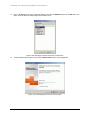
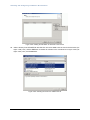
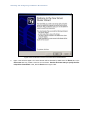
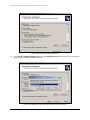
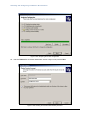
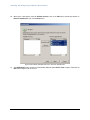
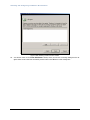
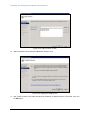
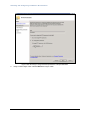
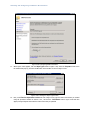
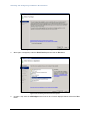
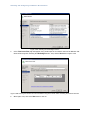
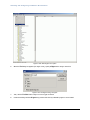
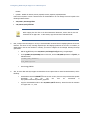
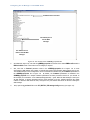
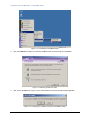
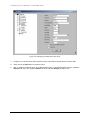
Figure 3.231: Ending the access rule configuration
34.
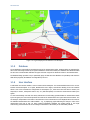
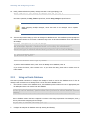
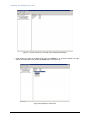
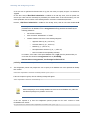
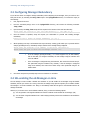
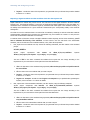
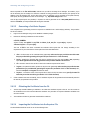
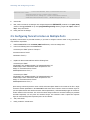
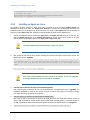
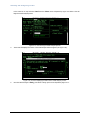
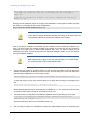
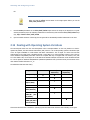
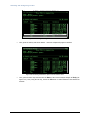
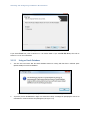
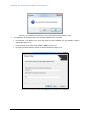
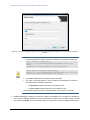
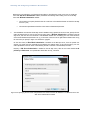
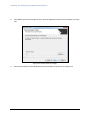
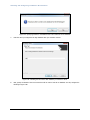
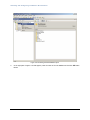
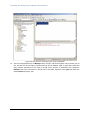
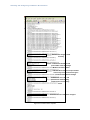
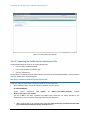
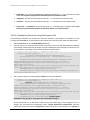
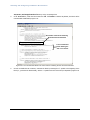
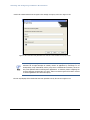
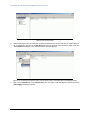
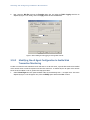
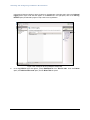
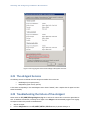
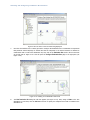
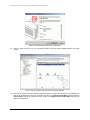
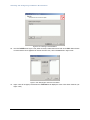
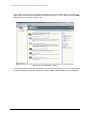
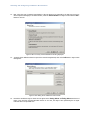
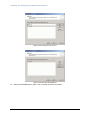
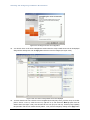
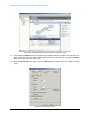
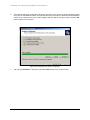
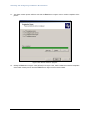
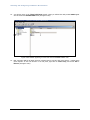
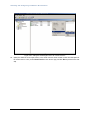
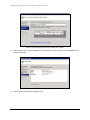
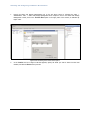
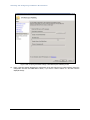
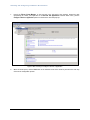
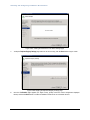
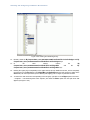
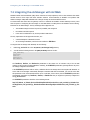
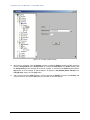
You will then return to the Server Management console where the newly created access rule will be displayed
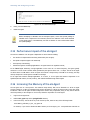
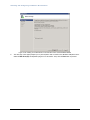
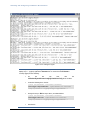
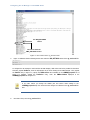
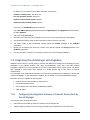
along with the existing ones. Click the Apply button therein to save the changes (see Figure 3.232).
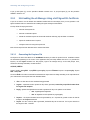
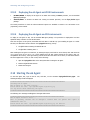
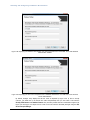
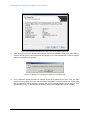
Figure 3.232: The name of newly added access rule displayed
35.
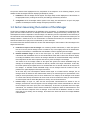
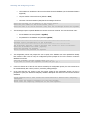
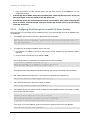
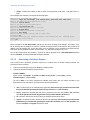
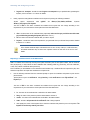
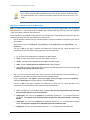
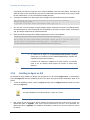
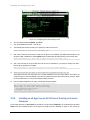
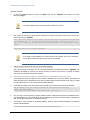
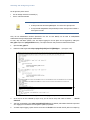
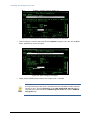
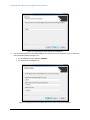
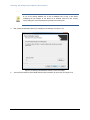
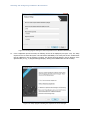
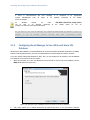
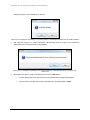
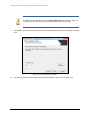
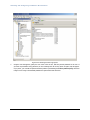
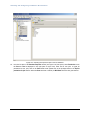
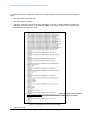
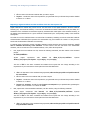
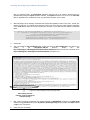
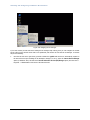
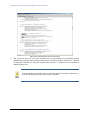
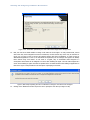
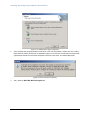
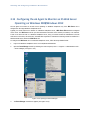
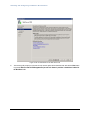
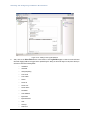
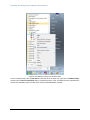
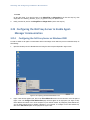
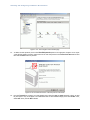
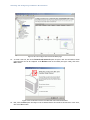
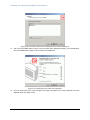
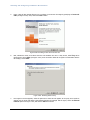
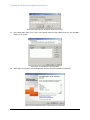
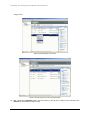
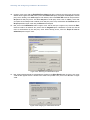
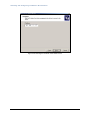
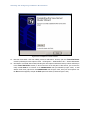
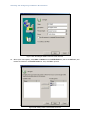
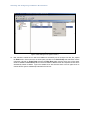
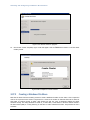
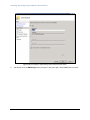
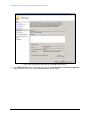
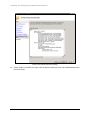
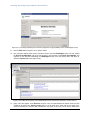
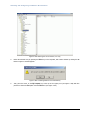
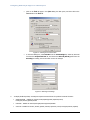
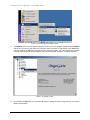
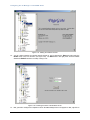
To ensure that the new rule is the first rule to be applied by the ISA proxy server, push the rule up to the first
place in the list. To do so, select the new rule, right-click on it, and choose the Move Up option from the
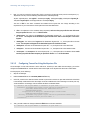
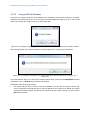
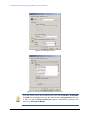
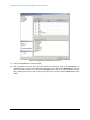
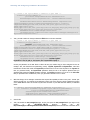
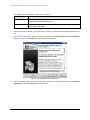
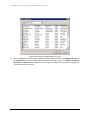
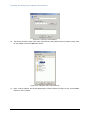
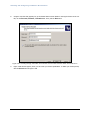
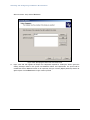
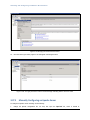
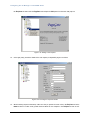
shortcut menu (see Figure 3.233). This will move the new rule up by one row only. Therefore, keep repeating
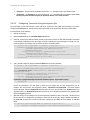
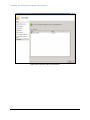
this procedure until the rule reaches the first position. Then, save the changes by clicking on the Apply button
269