1
Installing and Configuring on Windows Environments
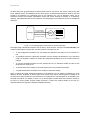
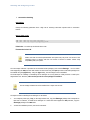
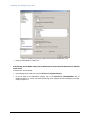
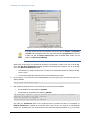
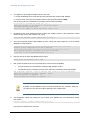
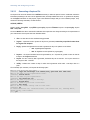
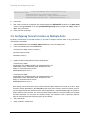
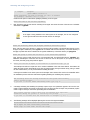
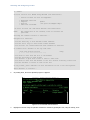
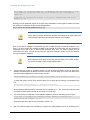
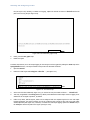
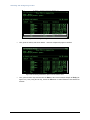
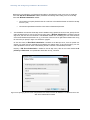
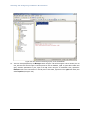
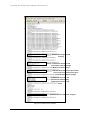
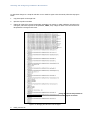
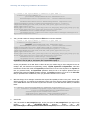
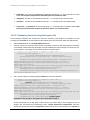
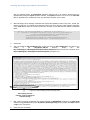
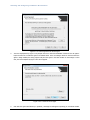
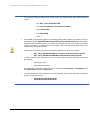
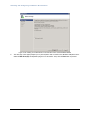
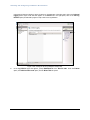
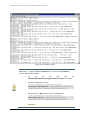
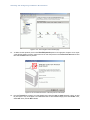
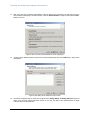
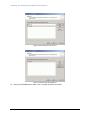
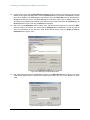
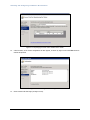
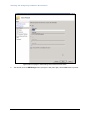
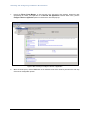
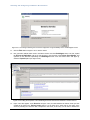
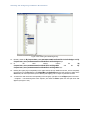
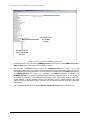
Figure 3.94: Changes made to the HTTP/1.1 connector block
8.
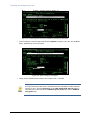
Finally, save the server.xml file.
9.
Restart the Tomcat server.
10.
Start the eG manager.
11.
While connecting to the eG manager, use the URL: http://<eG_manager_IP>:<port>/final/admin/default.htm. In
case of an SSL-enabled manager: https://<eG_manager_IP>:<SSL_port>/final/admin/default.htm .
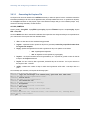
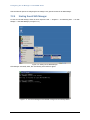
3.9 Dealing with Operating System Variations
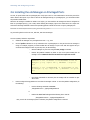
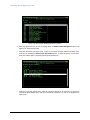
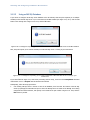
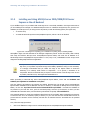
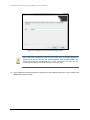
The eG manager is a 32-bit application, which can be deployed on a 64-bit Windows operating system, provided the
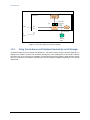
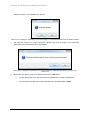
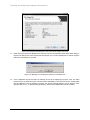
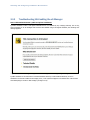
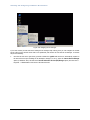
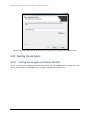
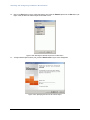
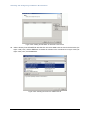
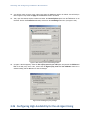
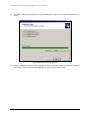
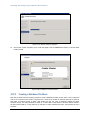
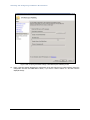
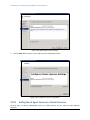
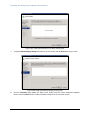
Windows host uses a 32-bit JDK. If a 32-bit JDK is not available on the Windows host, then the following error
message appears upon attempting to start the eG manager:
176