1
Installing and Configuring on Windows Environments
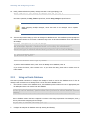
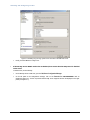
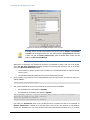
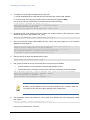
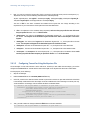
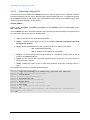
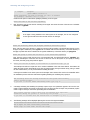
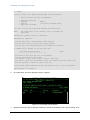
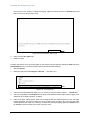
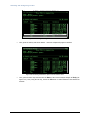
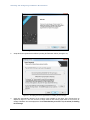
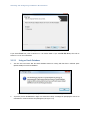
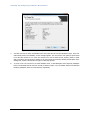
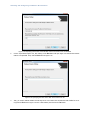
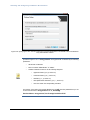
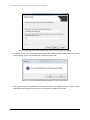
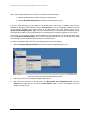
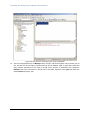
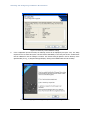
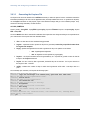
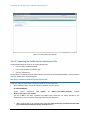
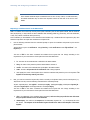
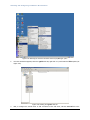
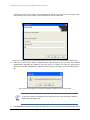
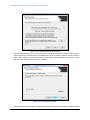
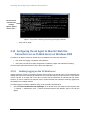
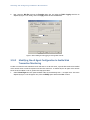
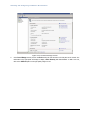
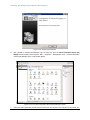
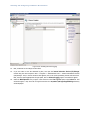
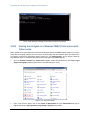
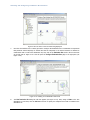
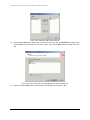
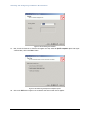
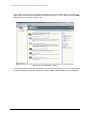
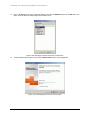
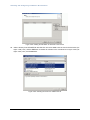
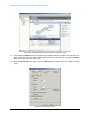
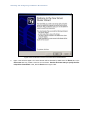
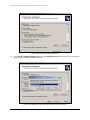
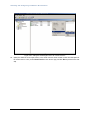
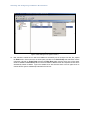
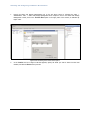
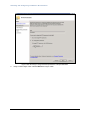
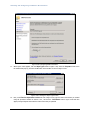
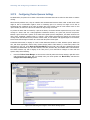
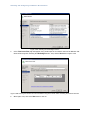
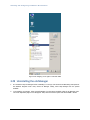
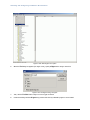
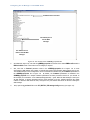
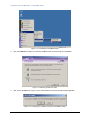
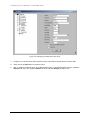
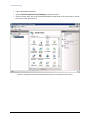
Figure 3.89: Selecting the Internet Information Services (IIS) Manager option
2.
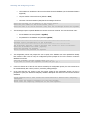
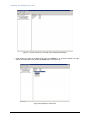
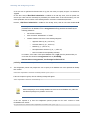
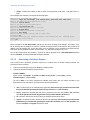
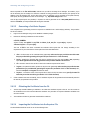
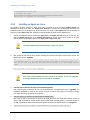
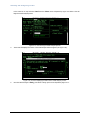
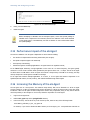
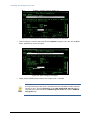
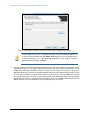
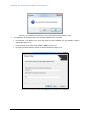
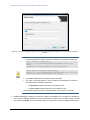
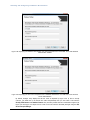
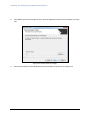
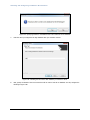
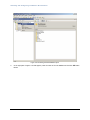
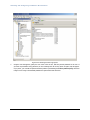
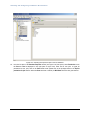
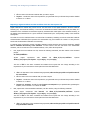
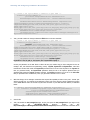
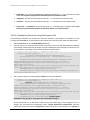
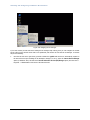
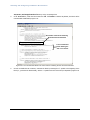
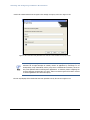
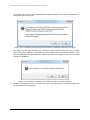
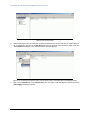
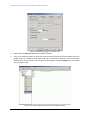
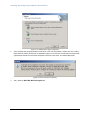
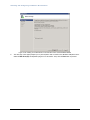
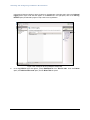
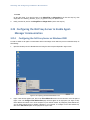
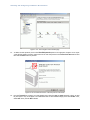
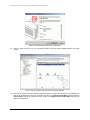
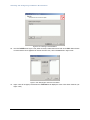
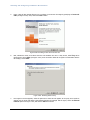
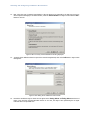
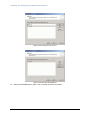
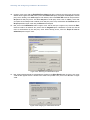
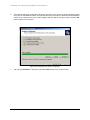
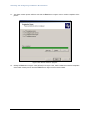
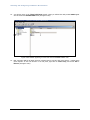
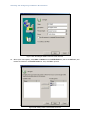
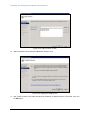
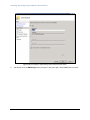
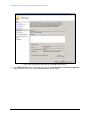
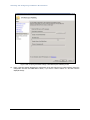
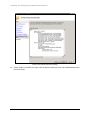
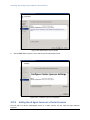
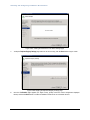
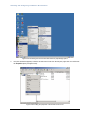
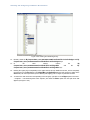
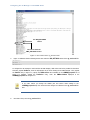
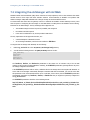
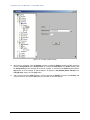
From the window that appears, select the egurkha web site, right-click on it, and choose the Delete option (see
Figure 3.90).
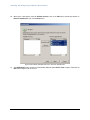
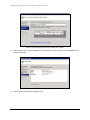
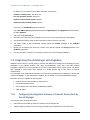
Figure 3.90: Deleting the egurkha web site
3.
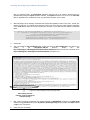
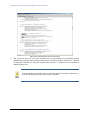
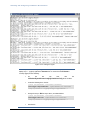
Next, to configure the Tomcat server so that it functions as the web server, edit the server.xml file in the
172