1
CNC 8055MC
Hands-on training
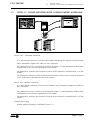
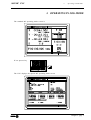
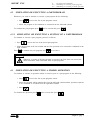
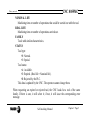
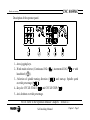
3.5.3 How to change any data on the tool table.
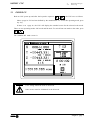
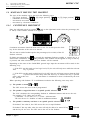
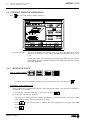
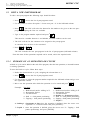
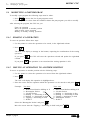
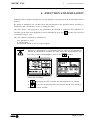
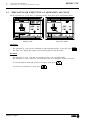
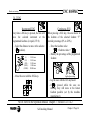
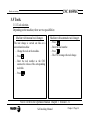
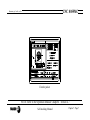
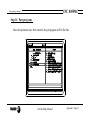
To change the values (T, D, R, L, I, K, Nominal Life, Real Life or Family),
enter in the calibration mode and press:
+ (Tool number) +
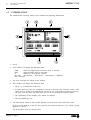
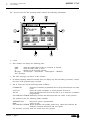
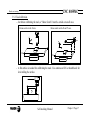
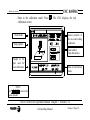
The CNC shows the data for that tool. To change it, place the cursor over the
value to be modified, key in the new value and press
.
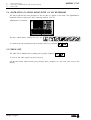
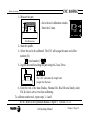
To quit the calibration mode, press
.
NOTE: Refer to the Operation Manual Chapter 3 Section 3.5.2.1
Self-teaching Manual
Chapter 3 Page 20