1
Operation Overview
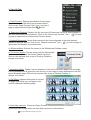
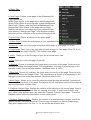
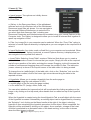
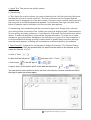
V3.0 whiteboard software has windows mode, full screen mode and annotation mode; the
user can switch freely between modes during use.
1. Windows Mode:
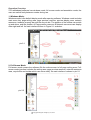
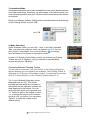
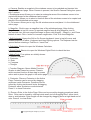
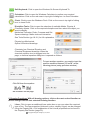
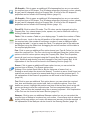
Windows mode is the default display mode after opening software. Windows mode includes
main menu bar, page writing area, page preview resource, preview display area, network
resources, toolbars, property bar and the recycle bin. The position of the toolbar can switch
up and down, and the position of Page preview resource & Network resources can display
rither right and left. Its main interface shown in Figure 2-1 as below:
pic 2-1
2. Full Screen Mode:
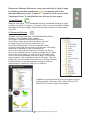
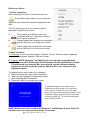
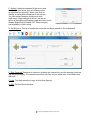
Full-screen mode means the software fills the entire screen to full page writing area, Fullscreen mode interface includes the writing area, page preview resource, network resources
area, recycle Bin and toolbar which can move easily. Its main interface is shown in pic 2-1
pic 2-2
Copyright A Brighter Image Pty Ltd, 2013