1
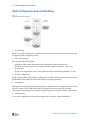
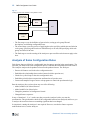
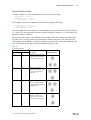
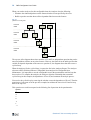
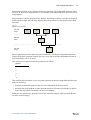
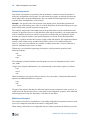
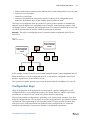
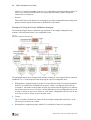
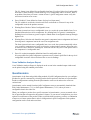
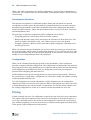
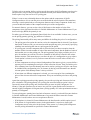
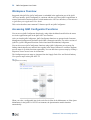
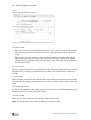
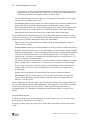
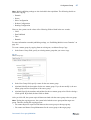
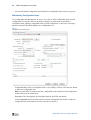
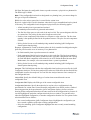
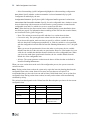
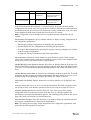
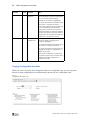
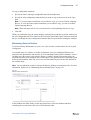
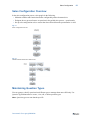
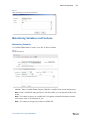
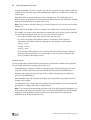
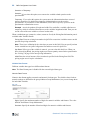
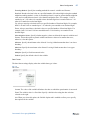
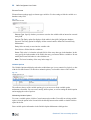
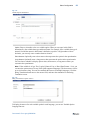
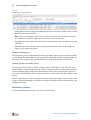
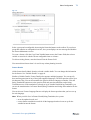
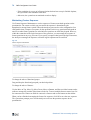
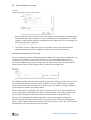
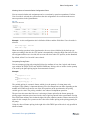
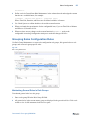
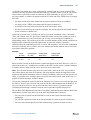
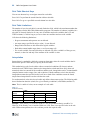
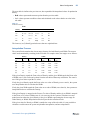
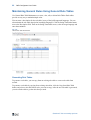
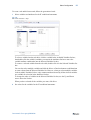
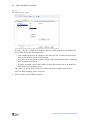
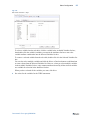
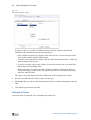
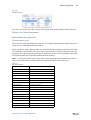
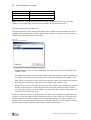
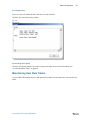
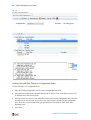
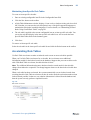
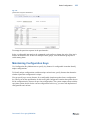
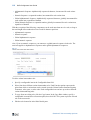
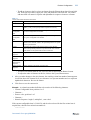
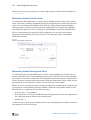
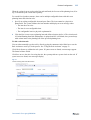
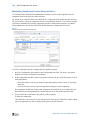
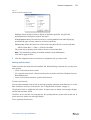
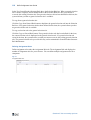
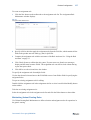
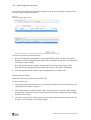
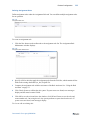
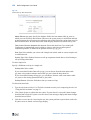
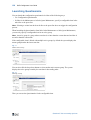
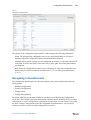
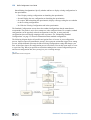
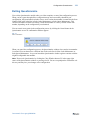
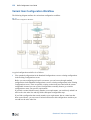
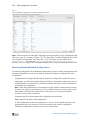
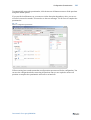
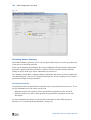
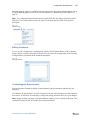
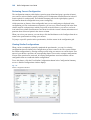
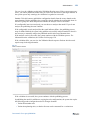
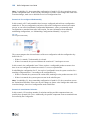
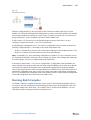
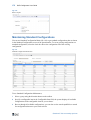
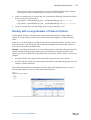
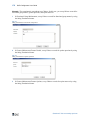
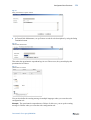
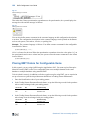
128 QAD Configurator User Guide Launching Questionnaire You can launch the configuration questionnaire in either of the following ways: • Use Configuration Questionnaire • In Sales Order Maintenance or in Sales Quote Maintenance, specify a configurable item in the order line or the quote line Note Selecting a variant item in the order line or the quote line does not trigger the configuration process. When launching the Questionnaire from Sales Order Maintenance or Sales Quote Maintenance, you can only specify a configurable item in an active group. Note An active group is a group whose start date is no later than the current date and end date is no earlier than the current date. If the configurable item is linked with multiple active groups, by default the system displays the master group that has the latest start date. Fig. 7.1 Default Active Group You can also click the drop-down button to select another active master group. The system displays the active groups sorted by the start date in descending order. Fig. 7.2 Selecting a Group Then you can use the Questionnaire for the configurable item. Questions? Visit community.qad.com