1
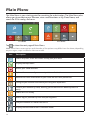
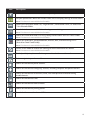
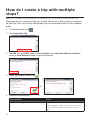
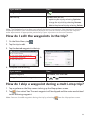
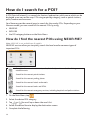
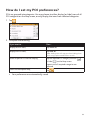
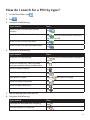
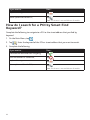
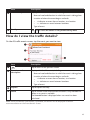
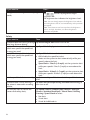
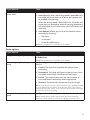
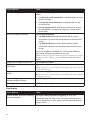
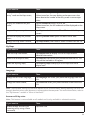
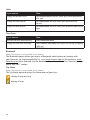
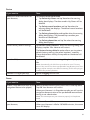
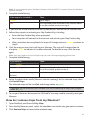
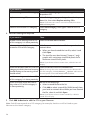
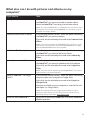
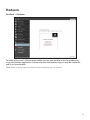
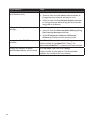
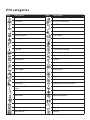
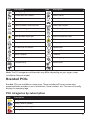
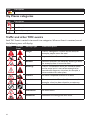
How do I set my POI preferences? POIs are grouped into categories. You may choose to either display (or hide) icons of all POI categories on the Map screen, or only display the icons from selected categories. 1. Tap . 2. Complete the following: If you want to… Then… display all POI icons, tap Show all. display no POI icons, tap Hide all. Note: Hiding POIs will stop you from finding them when using explore mode/cluster search. select a specific POI icon for display, tap the required POI category to show ( or hide ( ) on the Map screen. ) Repeat until all required categories are selected. return to the Explore map, tap . Your preferences are automatically saved. 39