1
How do I receive current traffic
information via TMC?
Note: Traffic information is only available in selected countries.
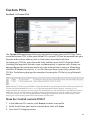
The Traffic Message Channel (TMC) broadcasts real-time traffic information via the FM
Radio Data System (RDS). FM radio stations transmit TMC data on a cycle of several
minutes, with hundreds of events able to be broadcast to TMC receivers.
Your Navman can receive current traffic information for all main roads, motorways and
major cities, enabling you to avoid potential delays on your route. Event messages and
traffic icons will display as they occur. If an event message obscures your current location,
the map will adjust to display both the message and your location.
You may have to pay for the TMC service in some countries.
How will I know when a traffic event occurs?
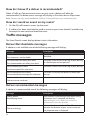
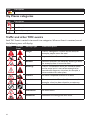
When travelling through an area in which you can receive traffic updates, your Navman
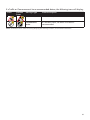
will decode these events and display them. An icon will display at the event location on
the Map screen, and an audible warning is given if an event is on your route. Where an
event spans a specific distance, the road will be highlighted and arrows will indicate the
direction affected.
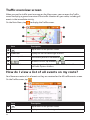
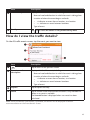
A message will display at the bottom of the screen with the road name, the section of
road affected and the type of event that has occurred. The message remains on the screen
for 8 seconds and is added to the All traffic events.
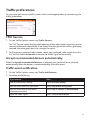
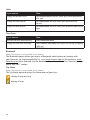
Note: When the message is suppressed, the TMC icon (
) will be displayed on the Map screen.
You can tap the icon to bring up the All traffic events screen.
43