1
Reports
Note:
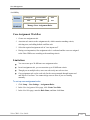
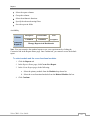
When you select the Summary Report, the Grouping tab will also be available.
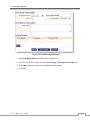
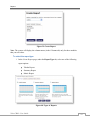
You can Run or Save the report at any point while creating it.
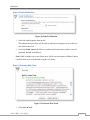
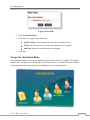
When you click the Run button, the system will prompt you to save the report. The report
is saved temporarily and then a preview of the report is generated.
When you click the Save button, the report is saved in the folder that you specify.
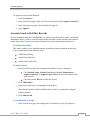
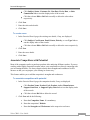
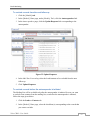
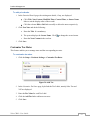
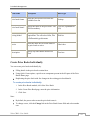
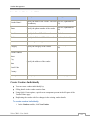
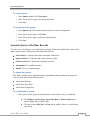
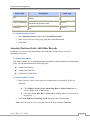
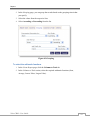
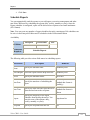
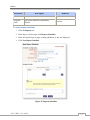
To select the report columns
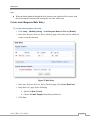
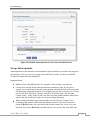
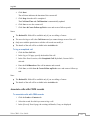
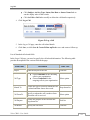
1. In the Create Report page, click Columns tab.
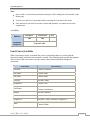
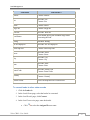
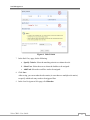
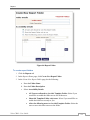
2. Do the following to select the columns to be displayed in your report:
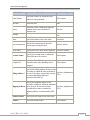
a. Select the columns from the Available Columns list box.
b. Click Add.
c. The columns will be added to the Selected Columns list box.
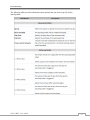
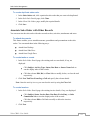
d. Use the
(Up) and
(Down) arrow keys to sort the display order of the
columns.
e. Select the column name and click
Zoho CRM – User Guide
to delete the selected column.
163