1
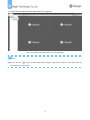
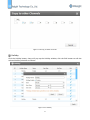
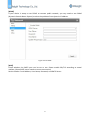
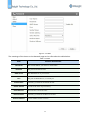
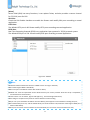
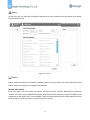
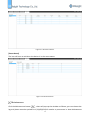
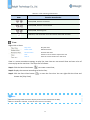
Search Milesight CMS Supports to search devices automatically in the same network and add group devices with the same username and password. Please refer to the steps as follows: Step1: Click the button to search the Milesight devices in the same network; Step2: Select the devices; Step3: Enter the username and password of the selected devices, “admin” and “password” for the default username and password; Step4: Click button, then there will pop up a windows to remind you whether the devices are added successfully or not. Step5: Click the [OK] button; Step6: Click [Refresh] button to refresh the status of the added devices. Figure 3-1-4 Add Group Device Note Clicking the button can help the software to refresh the status of the added devices. Click the [No.] button can select all devices which were found; The devices found can be ranked by their IP, Port, Type, MAC, SN, Model when you click the corresponding button. The default password for Milesight camera is “ms1234” while the one for Milesight NVR is “123456”; Up to 50 devices can be added; 14