1
User Manual
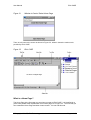
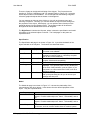
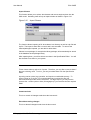
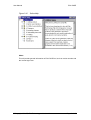
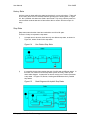
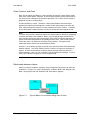
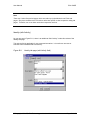
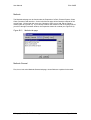
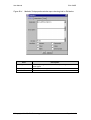
Figure 3.8
Elixir CASE
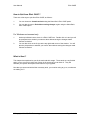
Java 2 Page Setup
Print
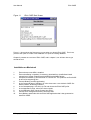
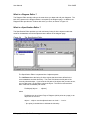
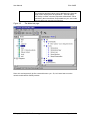
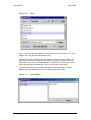
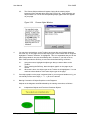
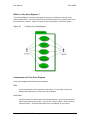
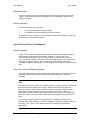
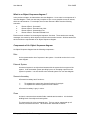
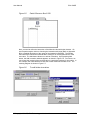
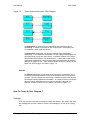
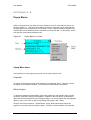
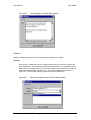
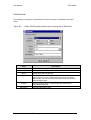
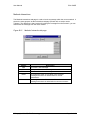
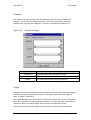
Activating the “Print” command will call up the Print window. Figure 3.9 shows a
sample Print window for the windows platform. Here you can specify the destination
printer, the paper size and paper orientation before sending your documents for
printing.
Figure 3.9
Print window (for Windows platform)
© Copyright 2000 CE, Elixir Technology
Version 1.2
Page 13 of 95