1
Calibration Procedure
Issue: 1.0
Since the SAM has a very linear response to activity,
any source of activity between 100 nCi (3.7 kBq) to 10
μCi (370 kBq) range may be used. When CCM is
enabled, the 60Co source used for calibration should
have an activity in excess of 5 μCi (185 kBq) in order
to minimise the calibration time. Long count times will
be required for small sources to maintain statistical
accuracy against adverse background influences.
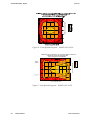
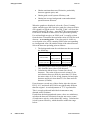
2. A source holder, to securely retain the source for
positioning within the cubicle.
3. A generic USB printer, (e.g. Epson LX300)
Preparation for Calibration
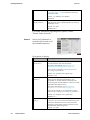
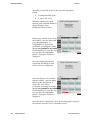
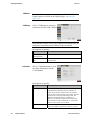
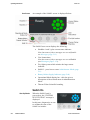
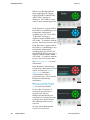
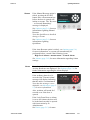
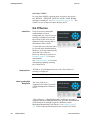
First the user must enter the Calibration Menu (page 5-19).
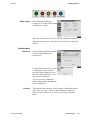
Select HV Scan (page 5-25) and check the detector HV’s are
set correctly for the Calibrating isotope. If these are not
known, they must be determined as described in Detector HV
Selection (page 9-3) before proceeding with the calibration.
The SAM12 is then ready for calibration.
Calibration
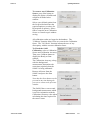
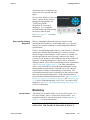
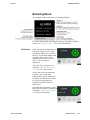
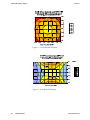
Ensure the background is stable, the door is closed and any
calibration sources are well away from the SAM12 (at least 8
feet).
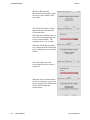
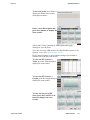
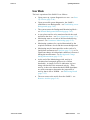
1. Ensure the door is shut and the unit is on and ready.
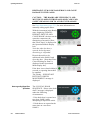
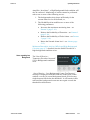
2. Login to the Administration mode, using the Health
Physicist role (see Gaining Access to the
Administration Mode (page 5-3)).
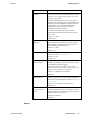
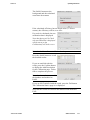
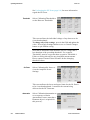
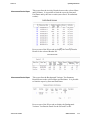
See Cal Check (page 5-19) for more information.
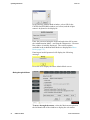
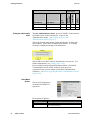
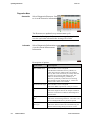
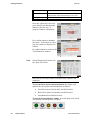
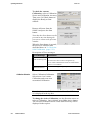
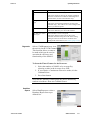
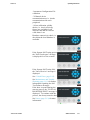
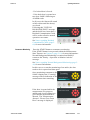
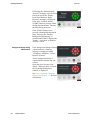
To check the calibration, the Cal Check button is selected. This
does not allow the calibration factor to be changed, but a
comparison is made between the old and new factor.
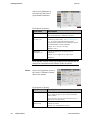
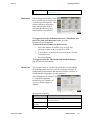
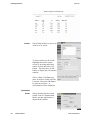
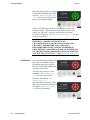
To recalibrate the instrument, i.e. adjust the calibration factor
for a particular nuclide, the Calibrate button is selected.
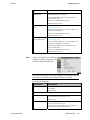
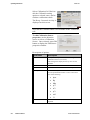
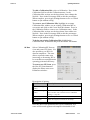
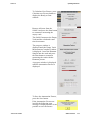
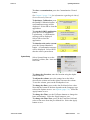
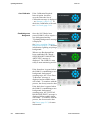
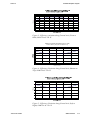
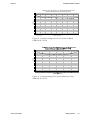
The calibration process should be repeated for a number of
nuclides that would be found in typical contamination. As a
minimum, a calibration to both 137Cs and 60Co should be
undertaken. The 137Cs calibration is essential when the NBR
facility is used; the 60Co calibration is essential when CCM is
required.
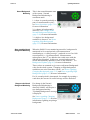
Notes: Ensure that each source is at least 8 feet away from the
SAM during the background measurement.
10-2
SAM12 User Manual
Thermo Fisher Scientific