1
Issue: 1.0
Operating Instructions
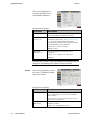
(for the CCM Channel only).
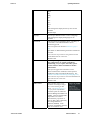
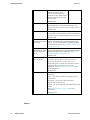
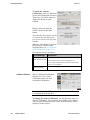
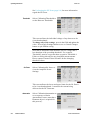
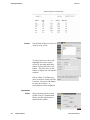
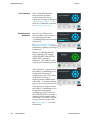
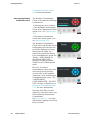
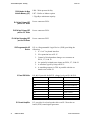
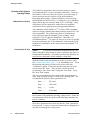
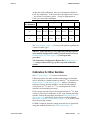
Measurement Period
(s)
Note that this is a view only field.
Background Rate
(cps)
Note that this is a view only field.
CCM Efficiency (%)
Note that this is a view only field.
This is the length of time for the sample calculated
from the current alarm conditions and background
measurement (for the CCM Channel only).
This is the current background rate (for the CCM
Channel only). The value is set at 0 if a background
has not yet been acquired.
This is the Efficiency for the CCM Channel.
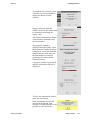
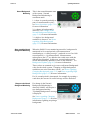
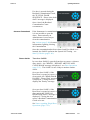
Net Effective Alarm
Rate (cps)
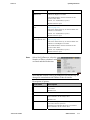
Diagnostics
Note that this is a view only field.
This is the effective alarm rate for the CCM
Channel calculated using the CCM Alarm setting
taking account of current alarm conditions and
background measurement (see Alarms (page 5-12)).
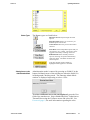
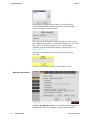
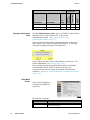
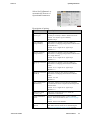
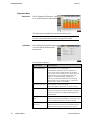
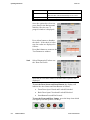
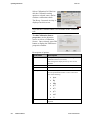
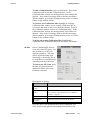
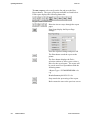
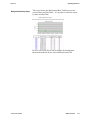
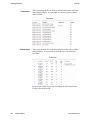
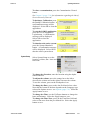
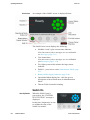
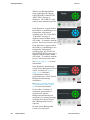
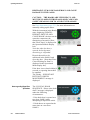
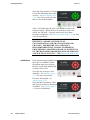
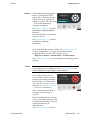
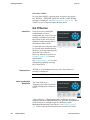
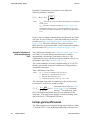
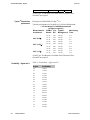
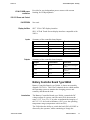
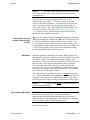
Select CCM|Diagnostics to view
the activity on the CCM Channel.
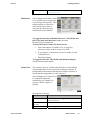
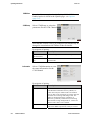
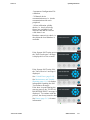
This function allows a count to
be made which can be used to
ascertain the efficiency and
functionality of the SAM12:
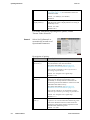
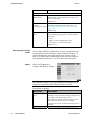
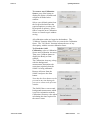
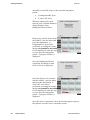
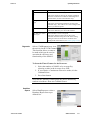
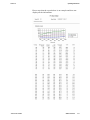
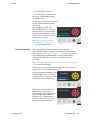
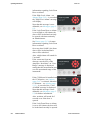
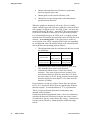
To Start the Timed Counts for the Detectors:
1. Select the number of SAM12 to be averaged by
selecting a value in the Average Over field.
2. If you require a Continuous count to be made, tick the
Continuous box.
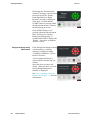
3. Press Start button
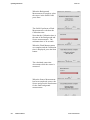
Note that the Arbitrary field displays the pulses obtained by
random coincidence from non-Cobalt60 source.
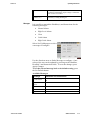
Data Menu
Reports
Thermo Fisher Scientific
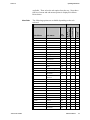
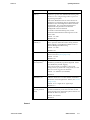
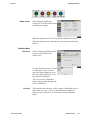
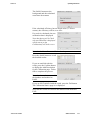
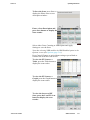
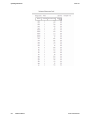
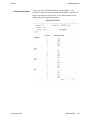
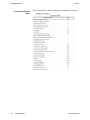
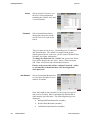
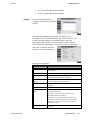
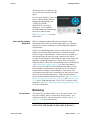
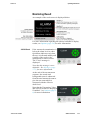
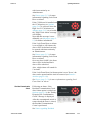
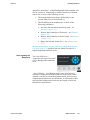
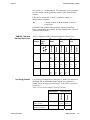
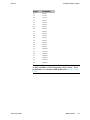
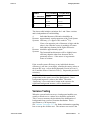
Select Data|Reports to select a
Database Report from a predefined list:
SAM12 User Manual
5-31