1
ownCloud User Manual, Release 7.0
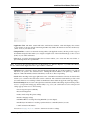
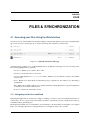
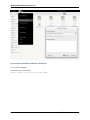
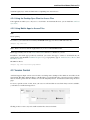
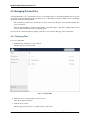
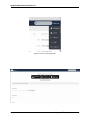
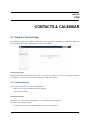
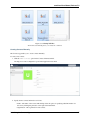
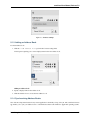
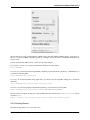
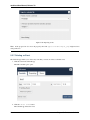
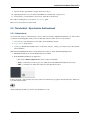
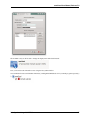
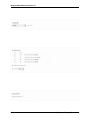
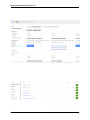
Figure 5.7: Contacts settings
5.1.3 Adding an Address Book
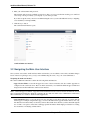
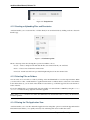
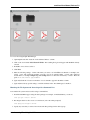
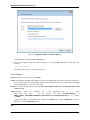
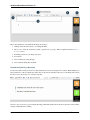
To add an address book:
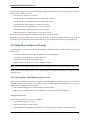
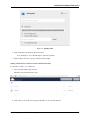
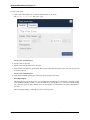
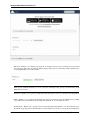
1. Click the + Add Address Book option in the Contacts settings field.
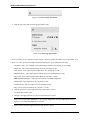
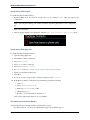
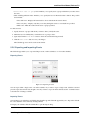
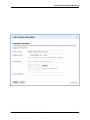
A field opens requesting you to enter a display name for the new address book.
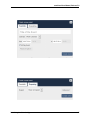
Adding an address book
2. Specify a display name for the address book.
3. Click the checkbox icon to create the new address book.
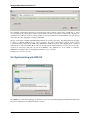
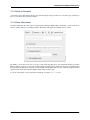
5.1.4 Synchronizing Address Books
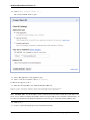
One of the most important features in any contact application is the ability to keep it in sync. The ownCloud Contacts
app enables you to sync your address books to external devices that use the Android or Apple iOS operating systems.
5.1. Using the Contacts App
39