1
ownCloud User Manual, Release 7.0
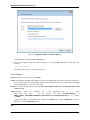
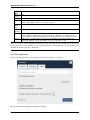
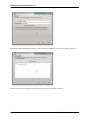
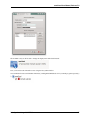
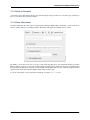
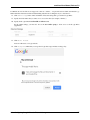
3. Click Connect.
The device connects to the server.
For added details about how to connect to an external server using MAC OSX, check the respective vendor documentation .
4.2.3 Accessing Files Using Microsoft Windows
When using Microsoft Windows, a seperate WebDAV client is recommended to access the files from your server.You
can choose a suitable WebDav client from the WebDav Project page .
If you must use the native implementation, you can map ownCloud to a new drive. Mapping to a drive enables you to
browse files stored on an ownCloudserver the way you would files stored in a mapped network drive.
Using this feature requires network connectivity. If you want to store your files offline, use the ownCloud Client to
sync all files on your ownCloud to one or more directories of your local hard drive.
Note: Prior to mapping your drive, you must permit the use of Basic Authentication in the Windows Registry. The
procedure is documented in KB841215 and differs between Windows XP/Server 2003 and Windows Vista/7. Please
follow the Knowledge Base article before proceeding, and follow the Vista instructions if you run Windows 7.
Mapping Drives With the Command Line
The following example shows how to map a drive using the command line. To map the drive:
1. Open a command prompt in Windows.
2. Enter the following line in the command prompt to map to the computer Z drive:
net use Z: https://<drive_path>/remote.php/webdav /user:youruser yourpassword
where <drive_path> is example.org/owncloud
20
Chapter 4. Files & Synchronization