1
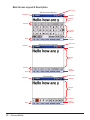
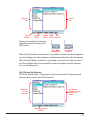
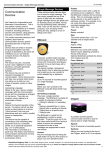
Category Menu (not accessible)
Phrase Menu
New
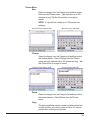
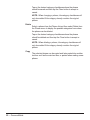
Select New from the Phrase menu and then type a
phrase up to 250 characters long. Tap the Close button
to display the possible categories where the phrase can
be saved.
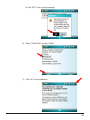
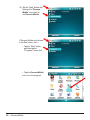
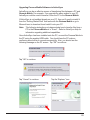
Add New Phrase Without OSK
Add New Phrase With OSK
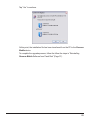
Tap on the desired category checkboxes where the phrase
should be saved and then tap the Close button to accept or
cancel.
NOTE: When making a new phrase, the category checkboxes
will only be enabled if the category doesn’t already contain the
proposed phrase and if the category is not already full.
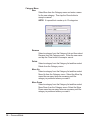
Change
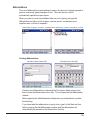
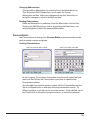
Select a phrase from the Phrase list and then select Change from
the Phrase menu. Type a phrase up to 250 characters long. Tap
the Close button to display the possible categories where the
phrase can be saved.
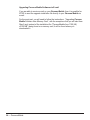
Change Phrase Without OSK
Change Phrase With OSK
21