1
Section 6
Setting up a method
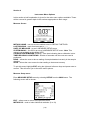
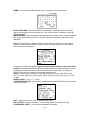
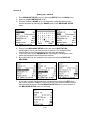
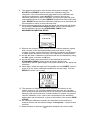
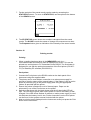
1. Enter MEASURE SETUP menu by selecting SETUP from the MAIN menu.
2. Select a suitable METHOD ID (0-19).
3. Give the method a NAME (up to 19 characters) using the alphanumeric
screen accessed by selecting the NAME option of the MEASURE SETUP
menu.
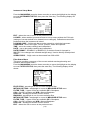
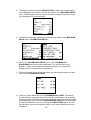
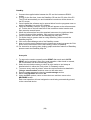
4. Return to the MEASURE SETUP menu and set the EXCITATION
wavelength, in nm for the test you wish to perform. The excitation filter
module fitted for this test will need to be the same wavelength.
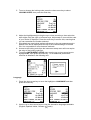
5. In the same way set the EMISSION filter wavelength, ensuring this is the
same wavelength as the emission filter module.
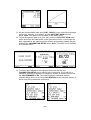
6. By scrolling through the available units, select the required UNITS OF
MEASURE.
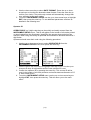
7. If you wish to make raw fluorescence measurements, then select RFU from
the units of measure. If RFU is used, then there is no need to calibrate before
taking measurements so the CALIBRATION SETUP menu (at the bottom of
the MEASURE SETUP menu) is removed.
(18)