1
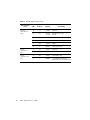
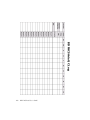
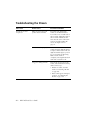
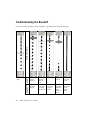
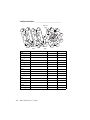
Troubleshooting the Breakoff
Recommended
Solutions
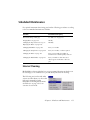
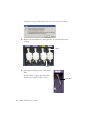
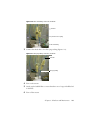
Normal stream
image
Possible
Causes
Abnormal Stream Image
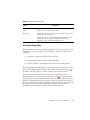
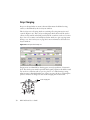
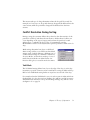
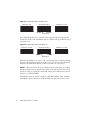
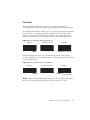
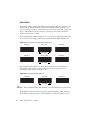
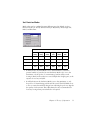
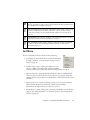
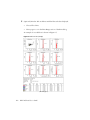
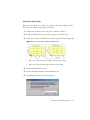
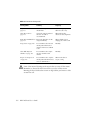
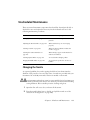
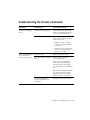
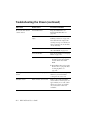
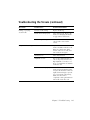
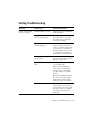
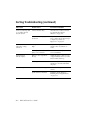
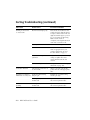
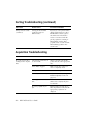
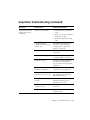
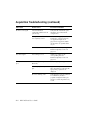
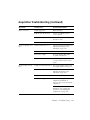
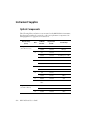
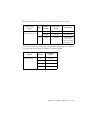
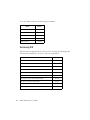
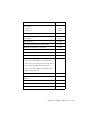
Use the following examples to help troubleshoot problems with the breakoff image.
216
Nozzle
inserted
improperly
Nozzle inserted
improperly or
orifice off
center
Partial clog
Wet or dirty
strobe lens
Attenuation is
on at wrong
pressure
Remove the
nozzle and
reinsert it.
Remove the
nozzle, adjust
the opening,
and reinsert it.
Remove the
nozzle, clean
it, and then
reinsert it.
Clean the lens
as described in
Cleaning the
Camera
Windows on
page 205.
Turn off
attenuation in
the Side
Stream
window.
BD FACSAria User’s Guide