1
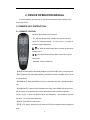
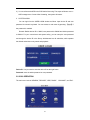
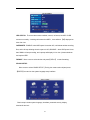
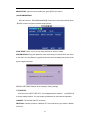
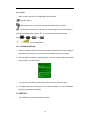
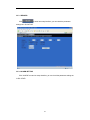
NAME: press【Enter】to enter into the setting interface.
POSITION: Name location is optional. You can press 【Enter】to switch from bottom left,
top left, bottom right, top right and OFF.
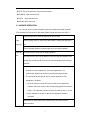
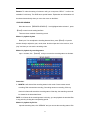
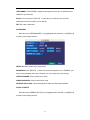
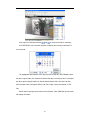
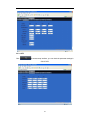
COLOR: press【Enter】to enter into setting interface as follow:
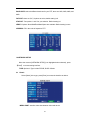
Press【Enter】or【+】【-】key or directly drag the cursor to setup colors, including chroma,
brightness, contrast and saturation, press【APPLY】to save the parameters once the setup
is completed.
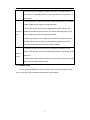
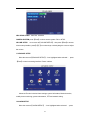
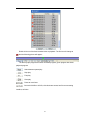
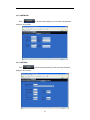
PREVIEW:ON: Means the channel is allowed to view the live mode, OFF means not.
PREVIEW TIME: ON: Means insert clock in live view, OFF means not.
RECORD TIME :ON: Means insert clock in record file, OFF means not.
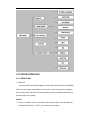
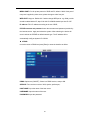
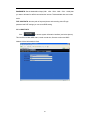
10 VIDEO/AUDIO SETUP
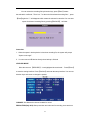
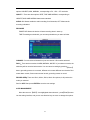
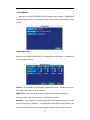
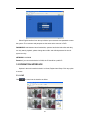
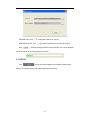
Move the cursor to【VIDEO/AUDIO SETUP】(Icon highlighted when selected),
press【Enter】to enter into setting interface.
18