1
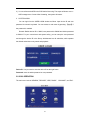
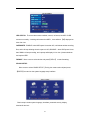
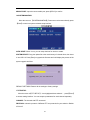
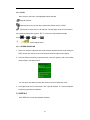
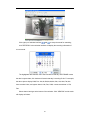
TIME FORMAT: Press ENTER to switch the time patterns; there are 12 HOURS and 24
HOURS for your selection.
Remark: You must press 【APPLY】 to save after you modify the time and date,
modification will not be saved if you exit directly.
DST: Still under construction.
8 PASSWORD
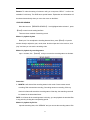
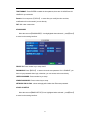
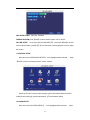
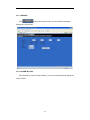
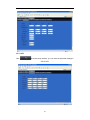
Move the cursor to【PASSWORD】(Icon highlighted when selected), press【Enter】
to enter into the setting interface.
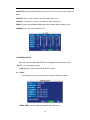
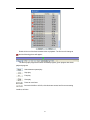
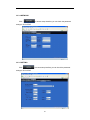
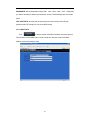
DEVICE ID: Press number key to setup the ID
PASSWORD: Press【APPLY】 to start or close the user password. If it is “ENABLE”, you
have to input password when login, otherwise, you can access main menu directly.
USER PASSWORD: Press number key to setup.
ADMIN PASSWORD: Press number key to setup.
NETWORK PW CLEAN:select and apply will initialize the IE browser password .
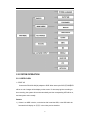
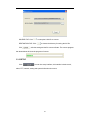
9 DISPLAY SETUP
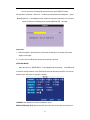
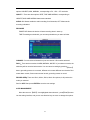
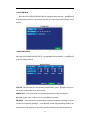
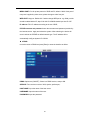
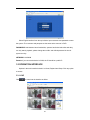
Move the cursor to【BASIC SETUP】
(Icon highlighted when selected), press【Enter】
to enter into the setting interface.
17