1
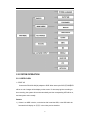
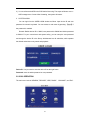
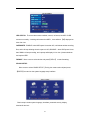
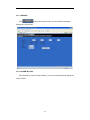
13 SYSTEM INFO
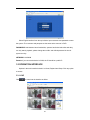
Move the cursor to【SYSTEM INFO】
(Icon highlighted when selected),press【Enter】
to access setting interface. This interface includes : firmware version, MAC address, serial
number.
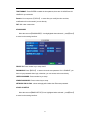
14 MOTION DETECT
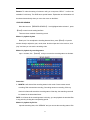
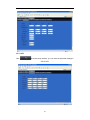
Move the cursor to【MOTION DETECT】
(Icon highlighted when selected),press【Enter】
to access setting interface.
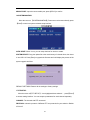
STATUS:Each channel has corresponding channel switch, press 【Enter】to turn on or
turn off the motion detection for each channel.
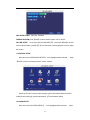
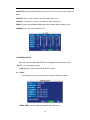
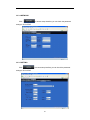
SENSITIVITY:each channel has corresponding sensitivity setting; including four
standards: higher, high, medium and low, press【Enter】to switch.
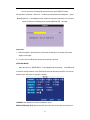
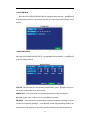
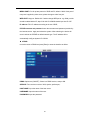
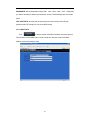
MD AREA: each channel has corresponding regional motion detecting setting, move the
cursor to corresponding【setting】,press【Enter】to enter regional setting interface, red
area means motion detection is activated, transparent block means motion detection is
21