1
5
5.0 PREPARING
THE NTEGRA LIFE ATOMIC FORCE MICROSCOPE
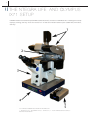
5.1 NTEGRA LIFE CONTROL SYSTEM
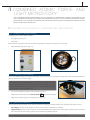
The NTEGRA Life control system includes:
-
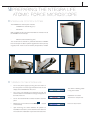
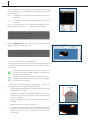
NTEGRA Life controller (Fig. 5 1)
-
Control PC
Both controller and PC can be found beneath the monitors next to
the NTEGRA Life microscope.
-
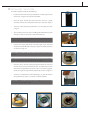
Mechanical lid controller (Fig. 5 2)
The mechanical lid controller is positioned beside the NTEGRA
Life microscope. The black up/down regulator are held in place by
magnets, which means it can be moved by the operator, if needed.
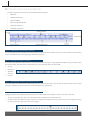
FIG. 5-1
FIG. 5-2
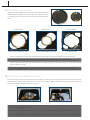
FIG. 5-2
FIG. 5-2
5.2 TURNING ON THE NTEGRA LIFE
•
•
Turn on the power supply by clicking the main switch on
the front panel. The switch light will become red and the
display on the NTEGRA Life will turn on
Turn on the unit controlling the mechanical lid, with the
switch located on the backside. A blue light will appear on
the front of the unit.
•
Turn on the control PC with the switch located on the front
panel.
•
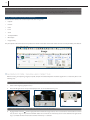
Double click on the shortcut named Nova_Px
on the desktop.
•
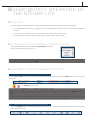
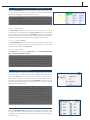
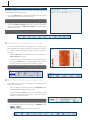
Upon launching, the control software will perform an
Initialization of the device, which determines the state of it.
The result of this initialization may be one of two outcomes.
located
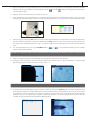
-
The SPM is initializing, determining device state.
-
Initialization successful.
The device is ready for use.
-
Device is not turned on.