1
Digital Video Recorder
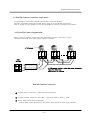
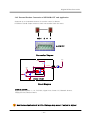
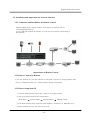
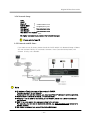
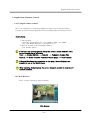
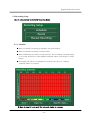
4.1.6 Explanation of Panorama and Triplex
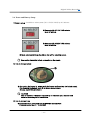
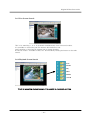
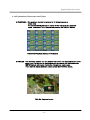
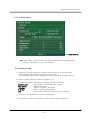
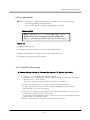
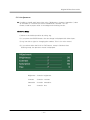
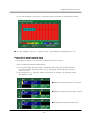
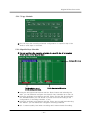
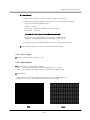
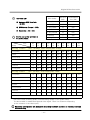
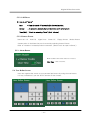
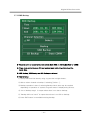
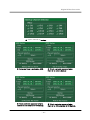
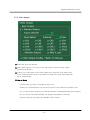
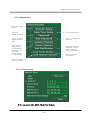
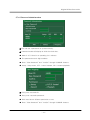
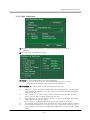
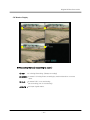
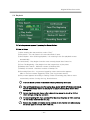
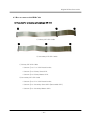
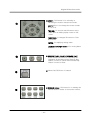
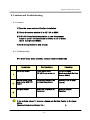
● PANORAMA : One playback channel is replayed to 16 divided screen as
a time slice.
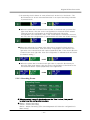
The channel which you want to replay will be displayed in a playback
mode. It switched 1,4,9,16 screen as pressing the DISPLAY Button.
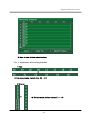
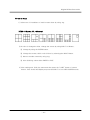
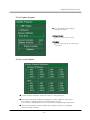
PANORAMA Playback Screen of 16 Channel
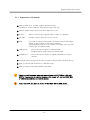
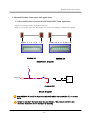
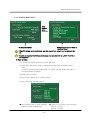
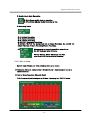
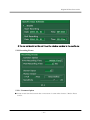
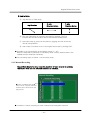
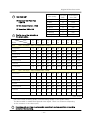
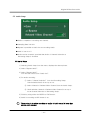
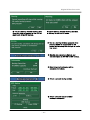
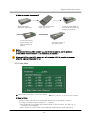
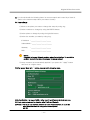
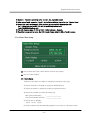
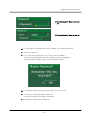
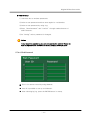
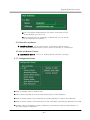
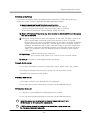
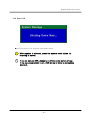
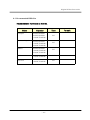
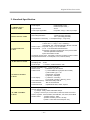
● TRIPLEX : This is Overlay screen. You can monitor live screen and playback screen at the
same time. It is returned to playback screen as pressing the playback button
(ENTER button) after setup monitoring channel you want to see.
If you want to change playback screen, press the CHANNEL button.
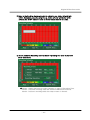
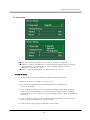
TRIPLEX Playback Screen
-- 31 --