1
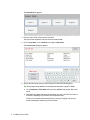
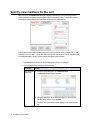
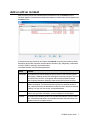
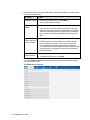
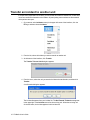
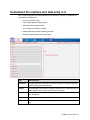
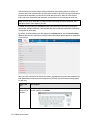
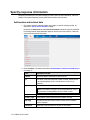
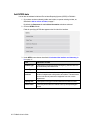
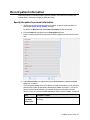
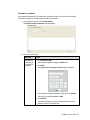
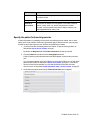
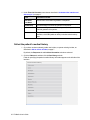
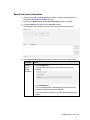
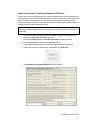
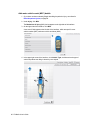
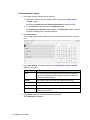
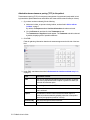
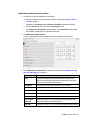
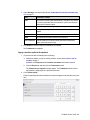
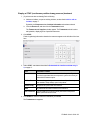
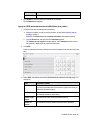
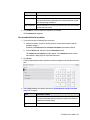
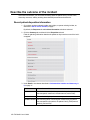
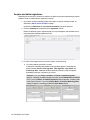
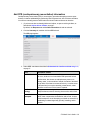
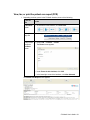
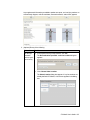
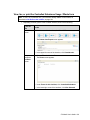
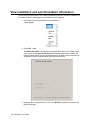
3. Under Incident, enter data as described in Understand the interface and data entry in
it, on page 11.
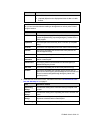
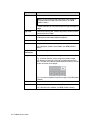
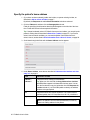
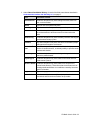
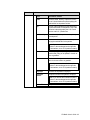
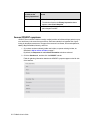
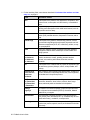
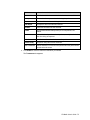
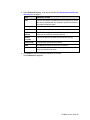
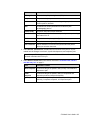
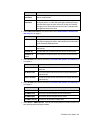
Field
Information needed
Incident A unique incident number assigned by the fire department or dispatch center
Number for every incident to which the department is called.
Note: You may need to obtain this number from an alarm or dispatch center.
Date of
Service
The date the dispatcher was notified about the incident.
Transport
Type
The type of transportation used to take a patient to a facility for treatment.
This is typically an Advanced Life Support (ALS) or Basic Life Support
(BLS) apparatus.
Dispatch
Complaint
The reason emergency personnel were initially dispatched to the scene.
Scene
Information
A list of other units and crew members at the incident scene.
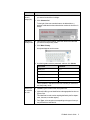
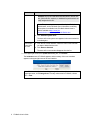
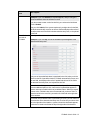
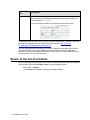
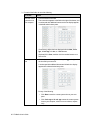
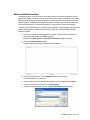
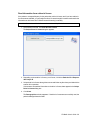
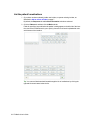
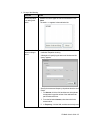
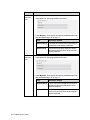
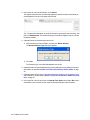
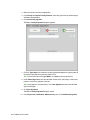
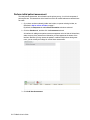
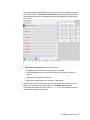
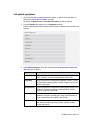
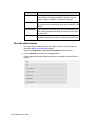
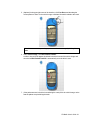
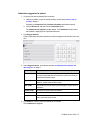
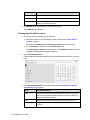
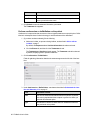
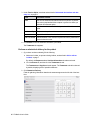
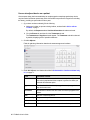
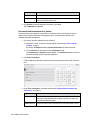
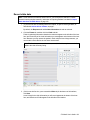
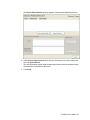
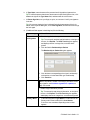
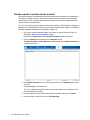
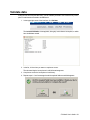
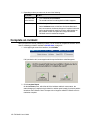
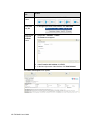
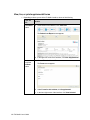
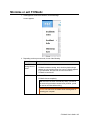
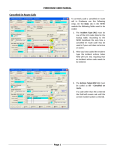
1. Click Show.
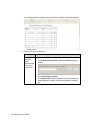
The Scene Information screen appears.
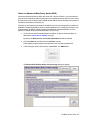
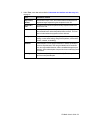
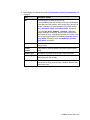
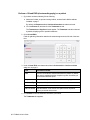
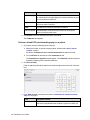
2. Do any of the following.
To do this Do this
Add a unit
to the
scene
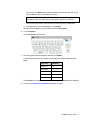
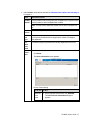
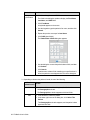
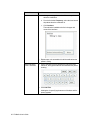
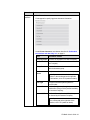
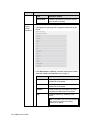
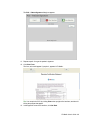
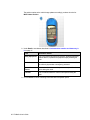
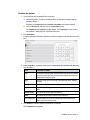
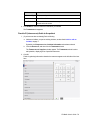
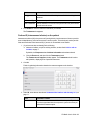
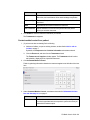
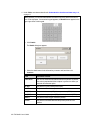
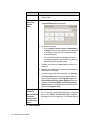
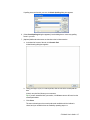
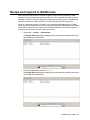
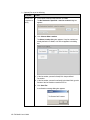
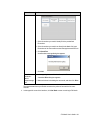
a. On the right side of the screen, click Add New.
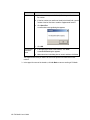
The Unit on Scene Information dialog box
appears.
FH Medic User's Guide 17