1
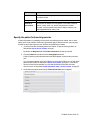
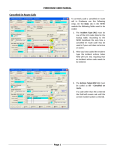
To do this
Do this
l
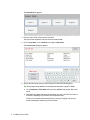
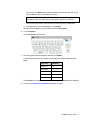
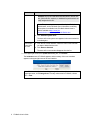
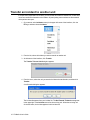
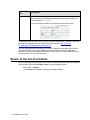
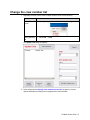
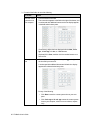
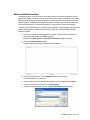
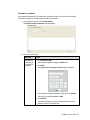
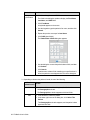
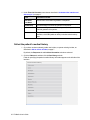
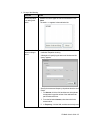
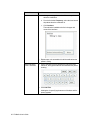
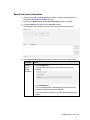
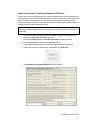
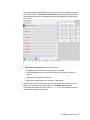
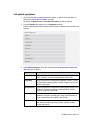
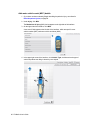
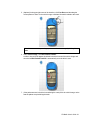
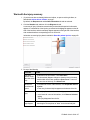
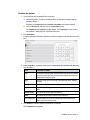
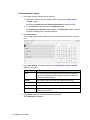
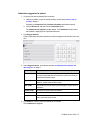
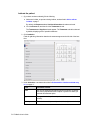
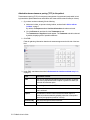
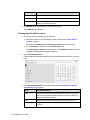
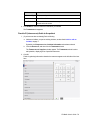
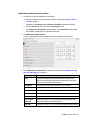
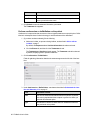
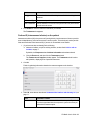
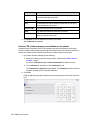
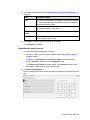
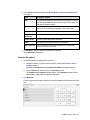
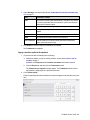
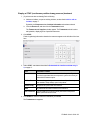
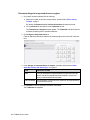
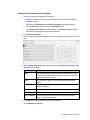
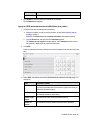
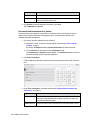
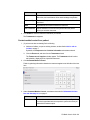
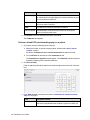
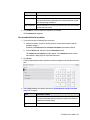
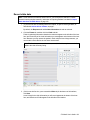
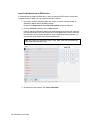
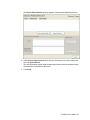
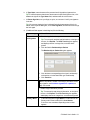
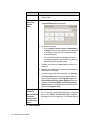
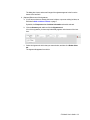
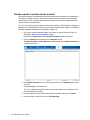
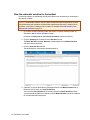
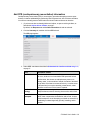
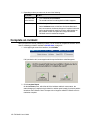
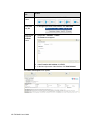
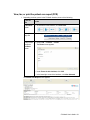
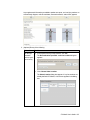
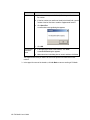
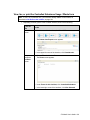
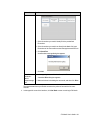
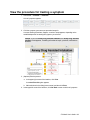
Click the number buttons to enter a time.
3. (Optional) Adjust the time displayed with the +1 min or -1 min
buttons.
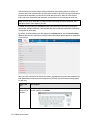
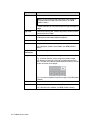
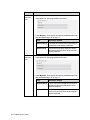
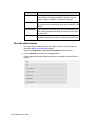
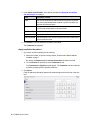
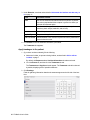
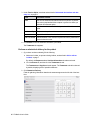
Note: Some of the fields have an additional mileage field below the number pad, so
that you can record the odometer reading on the apparatus at various points of travel
during the incident.
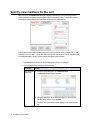
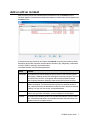
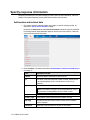
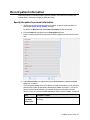
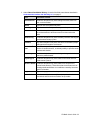
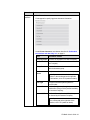
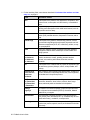
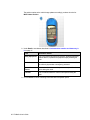
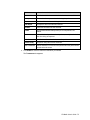
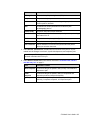
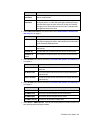
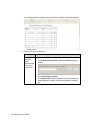
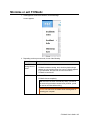
Field
Information needed
Call Received
The time the phone rings (911 call to public safety answering point
or other designated entity) requesting emergency medical service
(EMS) support.
Dispatched
The time dispatch was notified by the 911 call taker (if a separate
entity).
En Route
The time the unit responded (the time the vehicle started moving).
At Scene
The time the responding unit arrived on the scene (the time the
vehicle stopped moving).
At Patient
The time the responding unit arrived at the patient's side.
Arrive
Destination
The time the responding unit arrived with the patient at the destination or transfer point.
Transfer Care
The time the patient was transferred from this EMS agency to
another EMS agency for care.
Unit Clear
The time the responding unit left the scene (started moving).
At Home
The time the responding unit was back in their service area. In
agencies who utilize Agency Status Management, home location is
the service area as assigned through the agency status management protocol.
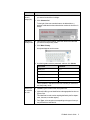
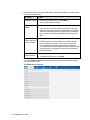
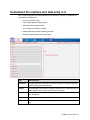
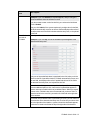
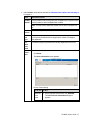
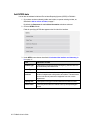
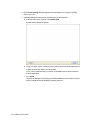
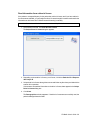
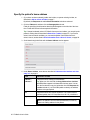
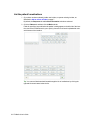
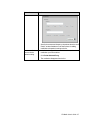
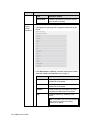
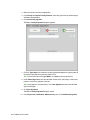
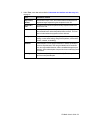
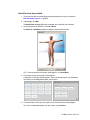
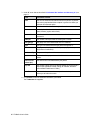
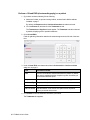
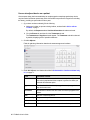
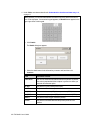
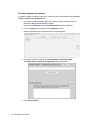
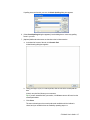
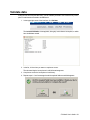
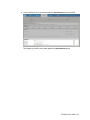
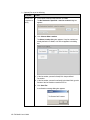
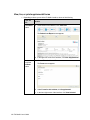
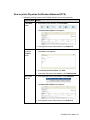
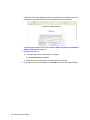
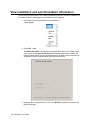
4. In the lower left corner of the screen, enter data as described in Understand the interface and data entry in it, on page 11.
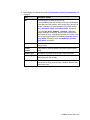
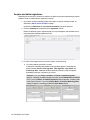
Field
Information needed
Responding
Mileage
The odometer reading on the unit before leaving to respond to the
incident.
At Scene
Mileage
The odometer reading on the responding unit when it arrived on the
scene.
At Destination
Mileage
The odometer reading on the responding unit when it arrived with
the patient at the destination or transfer point.
Clear Mileage
The odometer reading on the responding unit when it left the scene.
FH Medic User's Guide 21