1
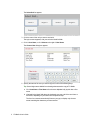
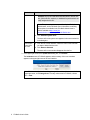
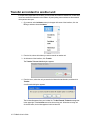
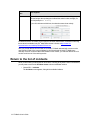
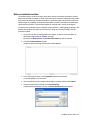
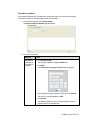
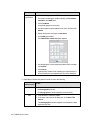
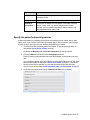
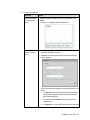
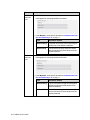
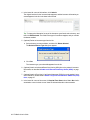
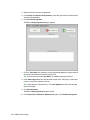
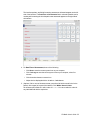
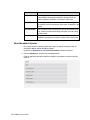
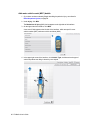
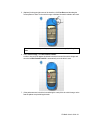
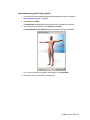
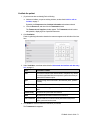
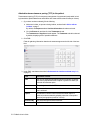
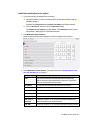
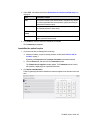
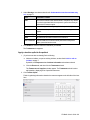
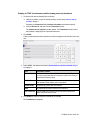
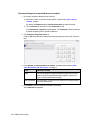
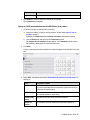
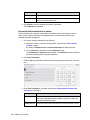
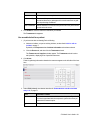
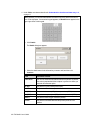
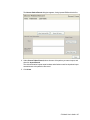
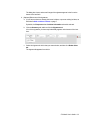
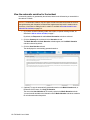
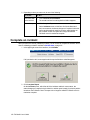
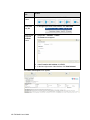
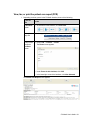
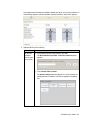
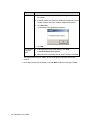
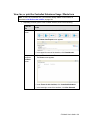
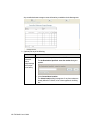
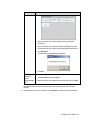
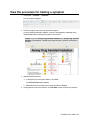
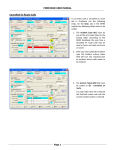
The dialog box closes, and a small image of the signature appears in the list at the
bottom of the interface.
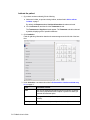
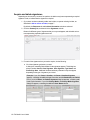
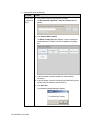
4. (Optional) Delete one of the signatures.
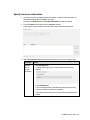
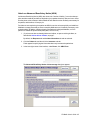
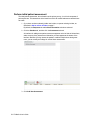
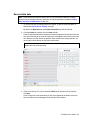
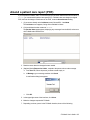
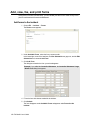
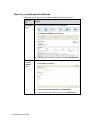
a. (If you have not done so already) Add a new incident, or open an existing incident, as
described in Add or edit an incident, on page 7.
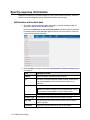
By default, the Response tab and Incident Information sub-tab is selected.
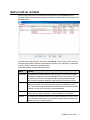
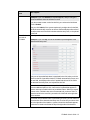
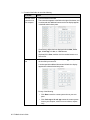
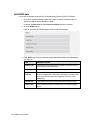
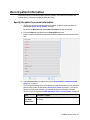
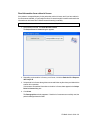
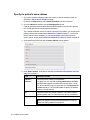
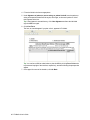
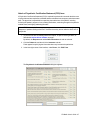
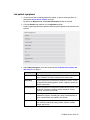
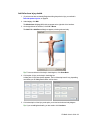
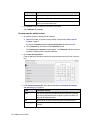
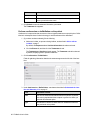
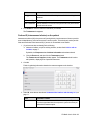
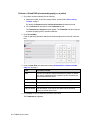
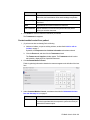
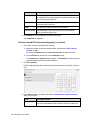
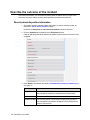
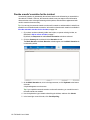
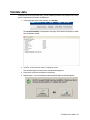
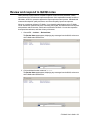
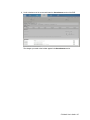
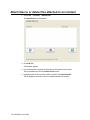
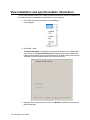
b. Click the Summary tab, and then click the Signatures tab.
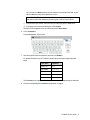
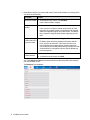
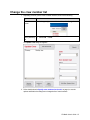
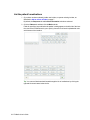
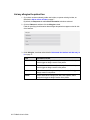
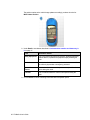
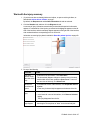
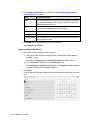
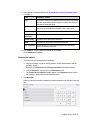
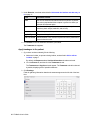
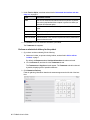
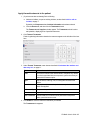
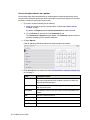
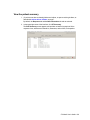
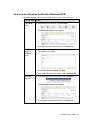
A list of the signatures you have acquired already appears at the bottom of the interface.
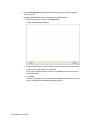
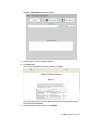
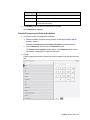
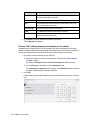
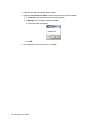
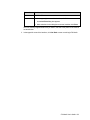
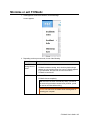
c. Select the signature in the list that you want to delete, and then click Delete Selected.
The signature disappears from the list.
FH Medic User's Guide 113