1
Project:
Document Group:
File Name:
Version:
Cato
05 IT\IT extern\Installation\EN
Installationsplan_EN
37
6 Out-of-date Hardware Components
This chapter describes hardware components, which are no longer distributed by Cato Software Solutions, yet might be used in existing installations.
6.1
TEC B-SA4 Label Printer (black & white)
Cato Software Solutions recommends the TEC B452 label printer. This chapter contains
notes on installation and configuration of the proper printer driver.
Both the driver and the installation instructions can be downloaded from our website
http://www.cato.eu
If you wish to use a different printer, make sure to install the corresponding printer
driver and configure the device accordingly. Drivers for the most common label printers can be found at:
http://www.nicelabel.com/
The TEC B-SA4 label printer requires a free USB port. Insert label roll and ink ribbon. It is
important to know that test-wise feeding with the "FEED"-button only works correctly once
the printer driver has been configured.
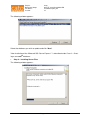
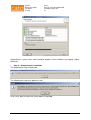
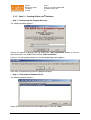
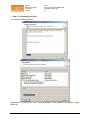
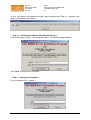
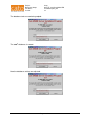
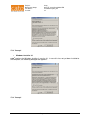
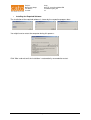
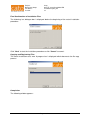
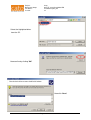
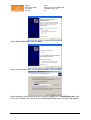
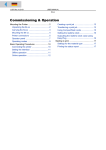
To install the printer driver insert the cato® installation CD in your CD drive. Then connect
your printer to the computer via USB and turn it on. The computer will detect the new hardware and display the following window:
Page 56 of 70