1
ISO 9001 CERTIFIED
www.liteputer.com.tw
2-13 Scene Chase
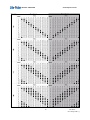
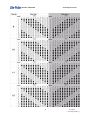
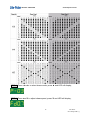
Scene Chase has 3 modes; scene chase without fade-in/fade-out, scene chase with
fade-in/fade-out and audio control chase. Scene chase has 8 build-in chasers.
2-13-1. Scene Chase without Fade-in/Fade-out.
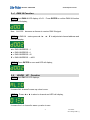
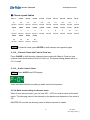
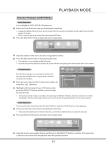
STEP-1 In scene mode, press CHASE to enter scene chase without FADE ON /
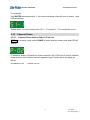
FADE OFF, and LED will display,
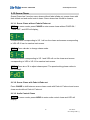
It means scene corresponding to VR 1 will run the chase and scenes corresponding
to VR2-VR12 can be used as back scene.
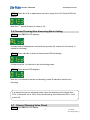
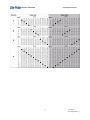
STEP-2 Press ◄ or ► to change chase mode.
It means scenes corresponding to VR 1 and VR2 will run the chase and scenes
corresponding to VR3 to VR 12 be used as back scene.
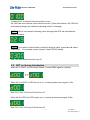
STEP-3 Press ▲ or ▼ to adjust chase speed. The speed setting please refers to
2-12-1 step3.
2-13-2. Scene Chase with Fade-in/Fade-out
Press CHASE to shift between scene chase mode with Fade-in/ Fade-out and scene
chase mode without Fade-in/ Fade-out.
2-13-3. Audio Control Chase
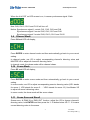
STEP-1 In scene mode, press AUDIO to enter audio control chase and LED will
display,
14
Lite-Puter
AX-1205[CUM-C]