1
2/2010
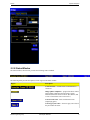
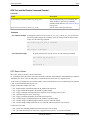
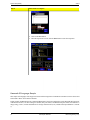
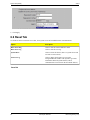
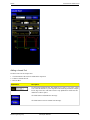
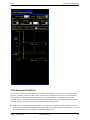
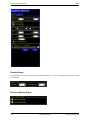
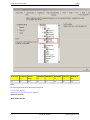
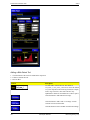
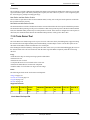
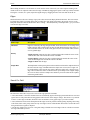
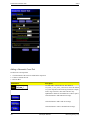
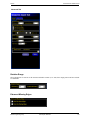
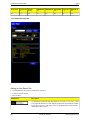
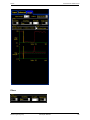
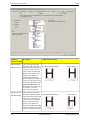
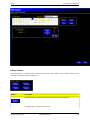
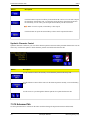
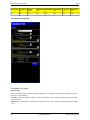
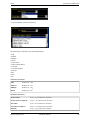
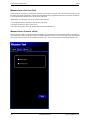
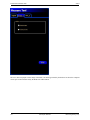
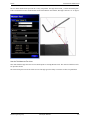
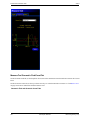
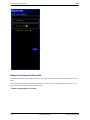
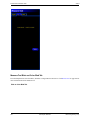
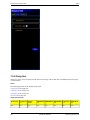
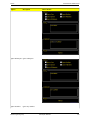
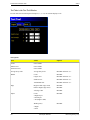
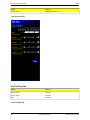
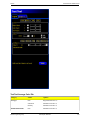
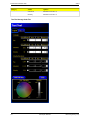
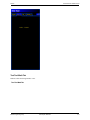
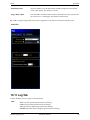
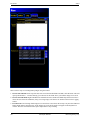
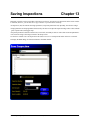
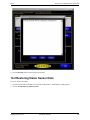
System Setup Dialog
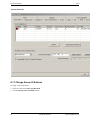
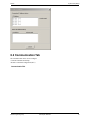
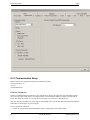
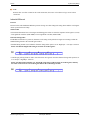
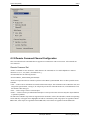
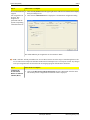
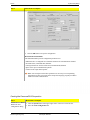
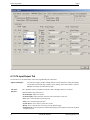
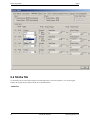
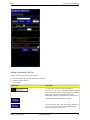
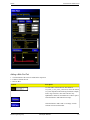
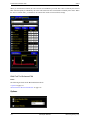
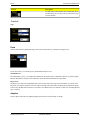
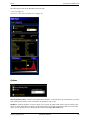
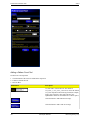
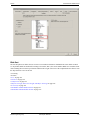
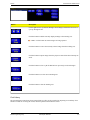
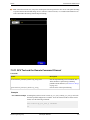
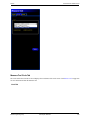
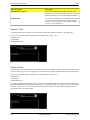
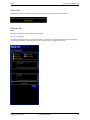
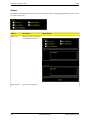
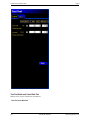
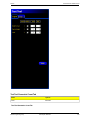
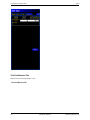
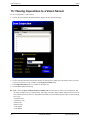
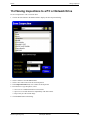
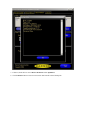
2. Click on the Communication tab.
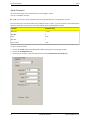
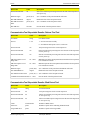
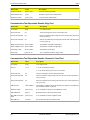
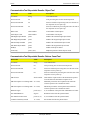
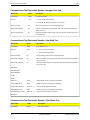
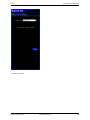
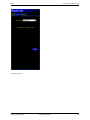
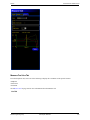
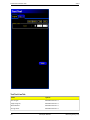
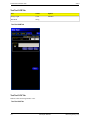
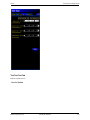
3. Choose a connection from the fixed Connection drop-down list of the Communication Tool Setup field.
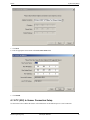
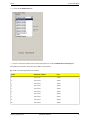
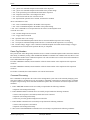
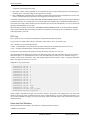
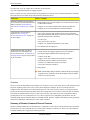
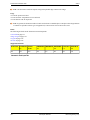
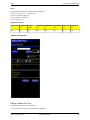
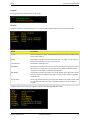
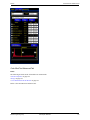
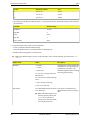
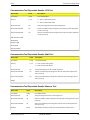
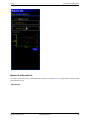
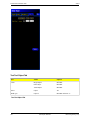
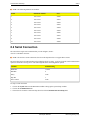
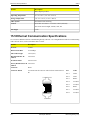
Each Ethernet socket has a unique TCP port number as shown below
Note: The following addresses are defaults.
Socket
Default IP Address
Port
1
192.168.0.1
20000
2
192.168.0.1
20001
3
192.168.0.1
20002
4
192.168.0.1
20003
5
192.168.0.1
20004
6
192.168.0.1
20005
7
192.168.0.1
20006
8
192.168.0.1
20007
9
192.168.0.1
20008
10
192.168.0.1
20009
Banner Engineering Corp.
Minneapolis, MN USA
51