1
APPENDIX
•
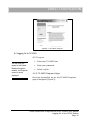
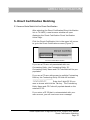
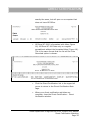
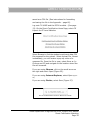
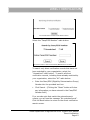
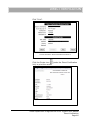
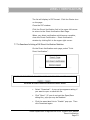
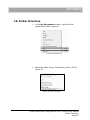
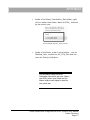
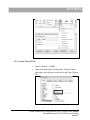
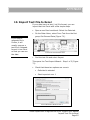
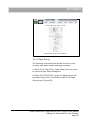
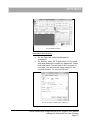
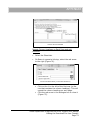
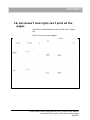
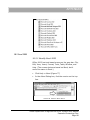
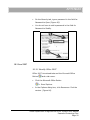
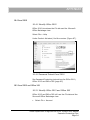
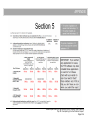
Under Product Information find the version. (Figure
88)
F IGURE 104 A CCOUNT > P RODUCT I NFORMATION
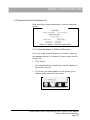
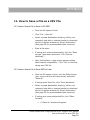
18.5.2 Password Protect in Excel 2010, 2013 and
Office 365
•
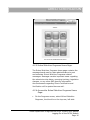
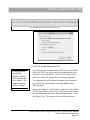
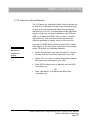
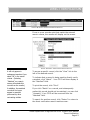
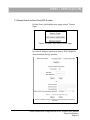
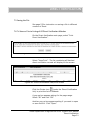
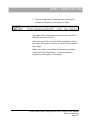
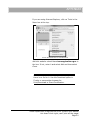
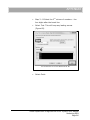
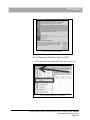
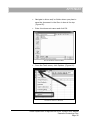
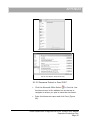
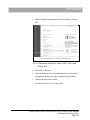
Click File > Save as.
•
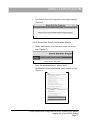
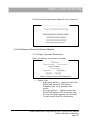
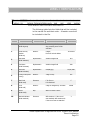
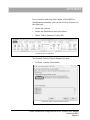
Use the down arrow in the address box at the top to
navigate to where you plan to save the document.
•
•
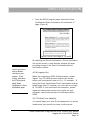
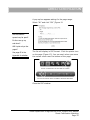
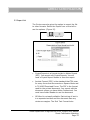
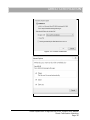
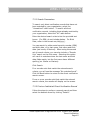
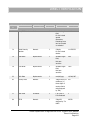
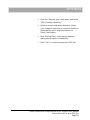
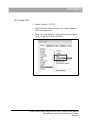
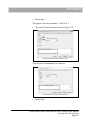
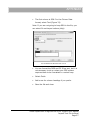
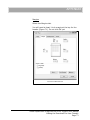
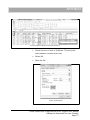
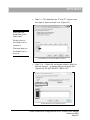
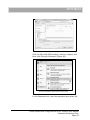
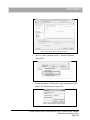
Enter the document name.
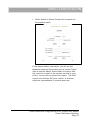
Do not click Save yet. (Figure 89)
Texas Department of Agriculture DCDV System User Manual
Password Protecting Files
Page 95